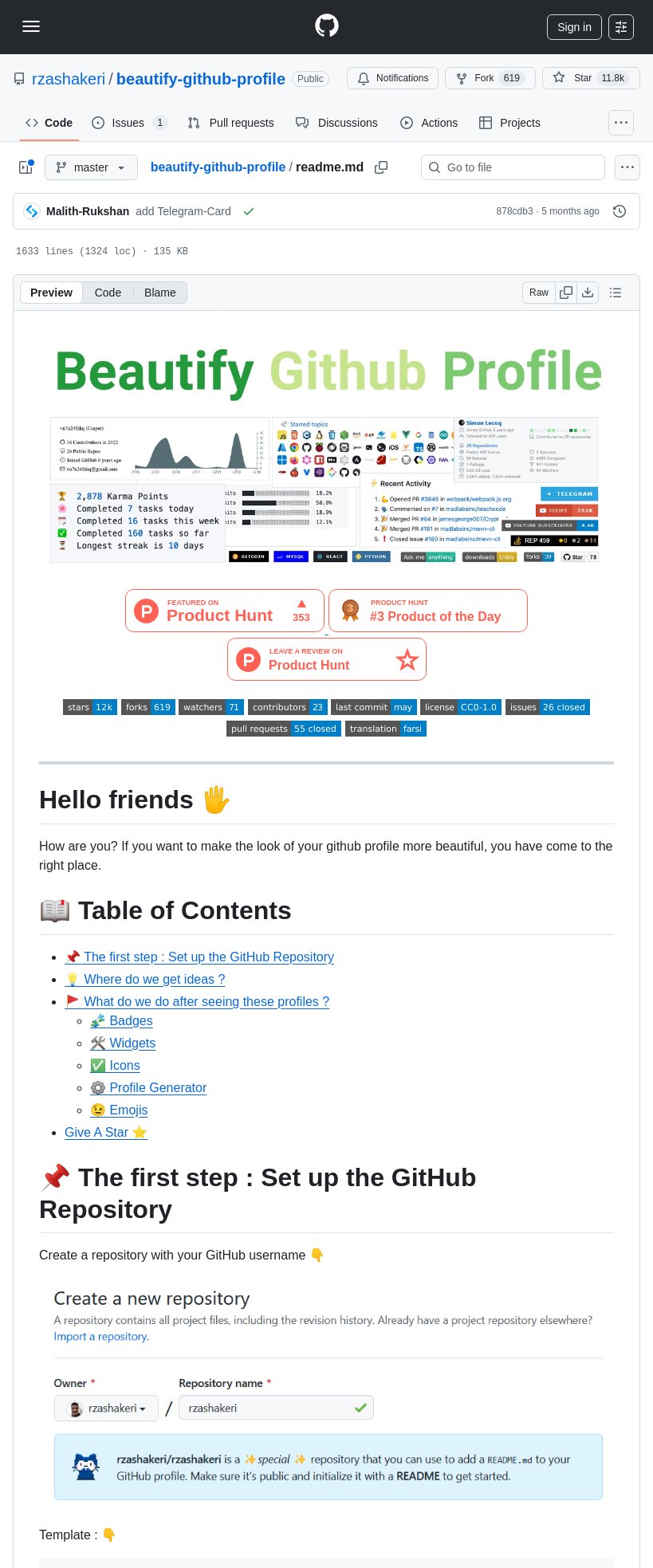

Tom Dörr@tom_doerr
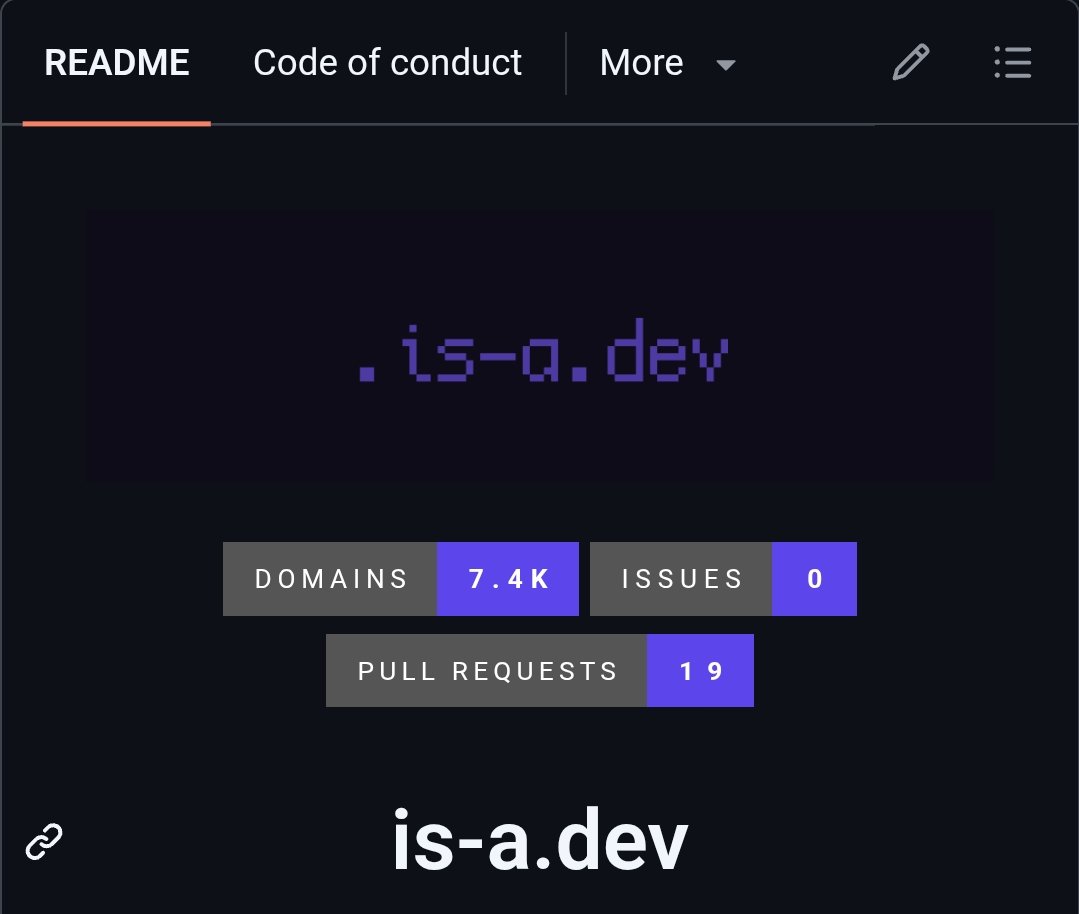
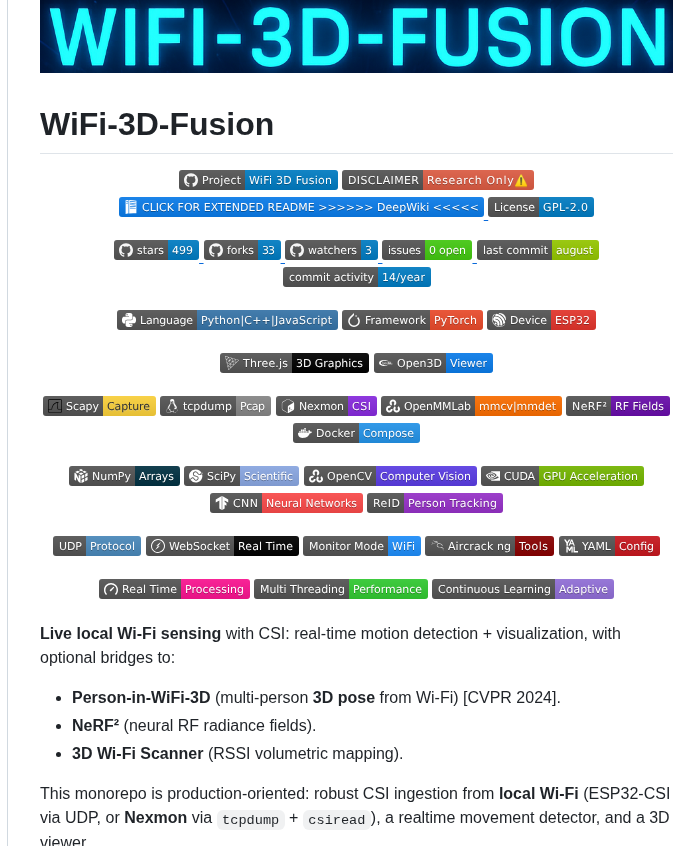
open on x ↗tips and templates for customizing your GitHub profile
tips and templates for customizing your GitHub profile
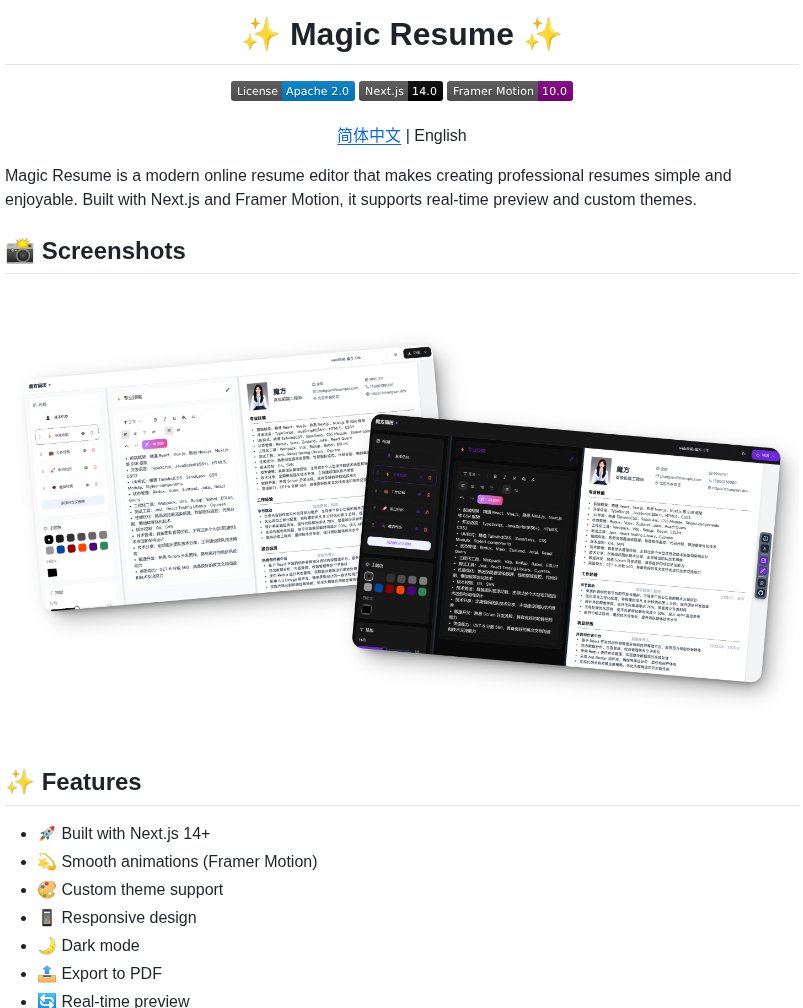 @tom_doerrhttps://www.opensourceprojects.dev/post/1961447229329477782/@GithubProjectshttps://www.opensourceprojects.dev/post/1945473864496038240@GithubProjectsA single place to browse, compare, and install Clawdbot skills by intent.
Built for fast discovery and practical use.
GitHub Repository:
https://github.com/VoltAgent/awesome-clawdbot-skills@GithubProjects
@tom_doerrhttps://www.opensourceprojects.dev/post/1961447229329477782/@GithubProjectshttps://www.opensourceprojects.dev/post/1945473864496038240@GithubProjectsA single place to browse, compare, and install Clawdbot skills by intent.
Built for fast discovery and practical use.
GitHub Repository:
https://github.com/VoltAgent/awesome-clawdbot-skills@GithubProjects @GithubProjects
 @backpinelabs
 @ChShersh
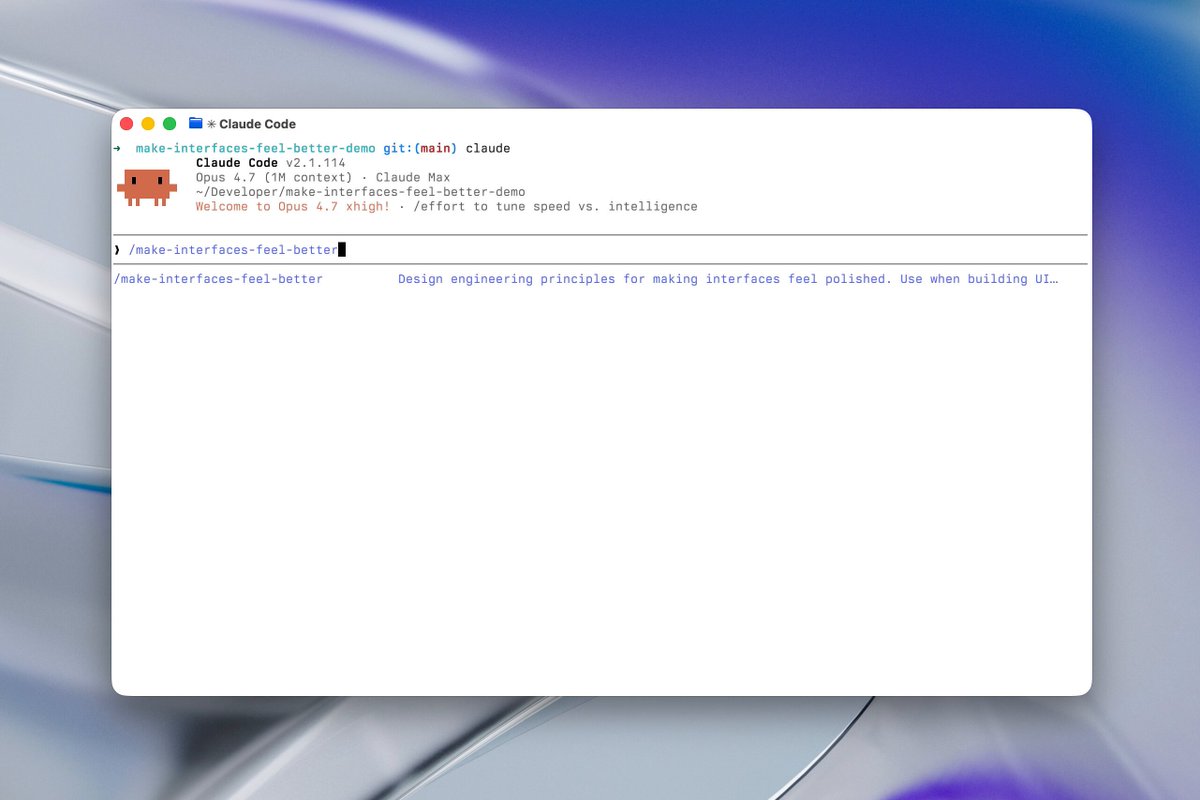 ▶@jakubkrehel
 @PrajwalTomar_
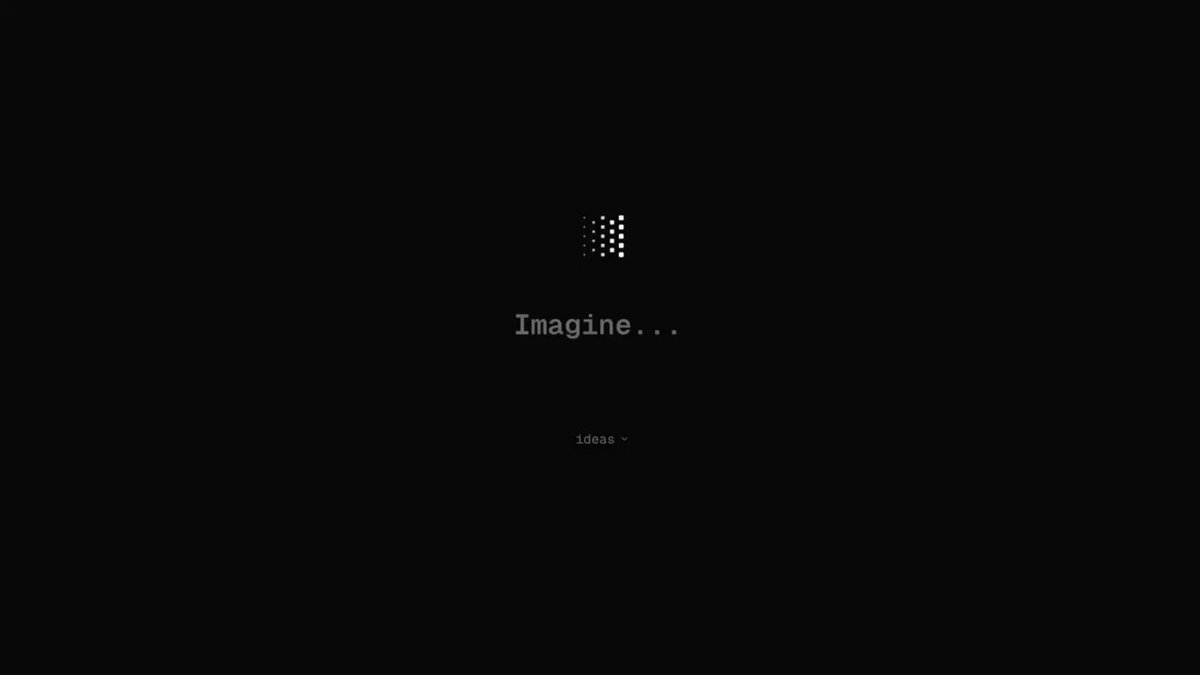 ▶@bestdesignsonx
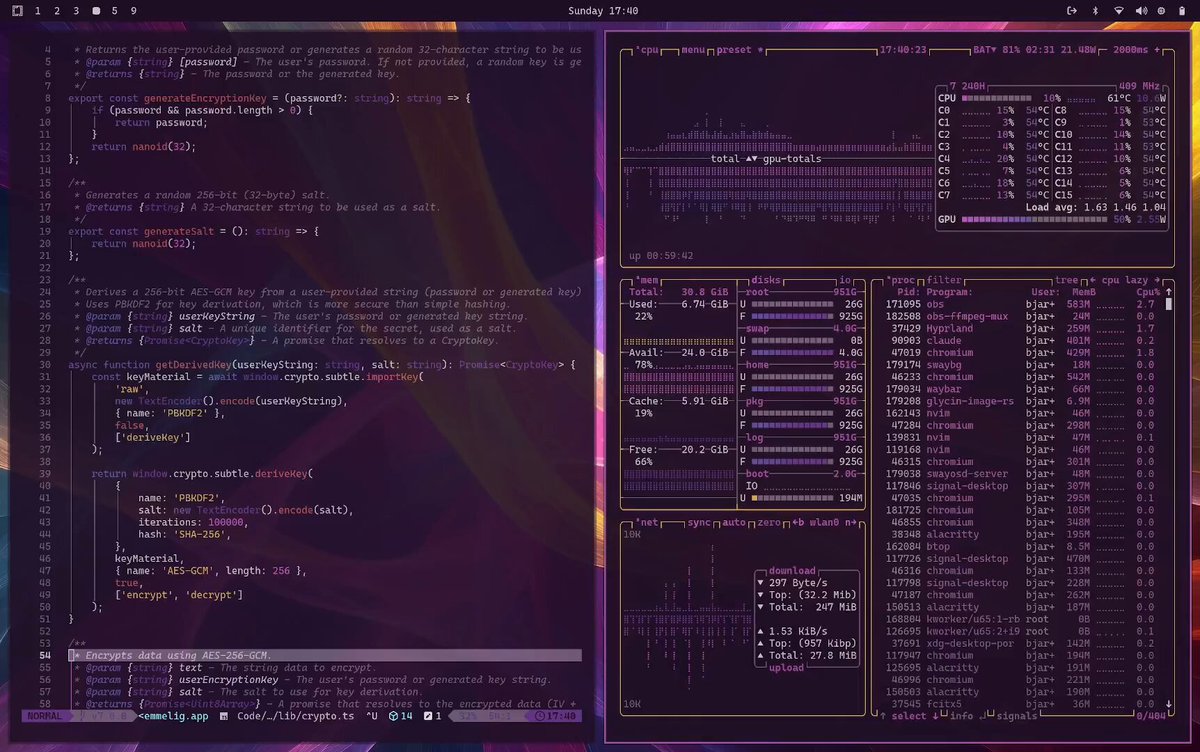 ▶@iamdothash
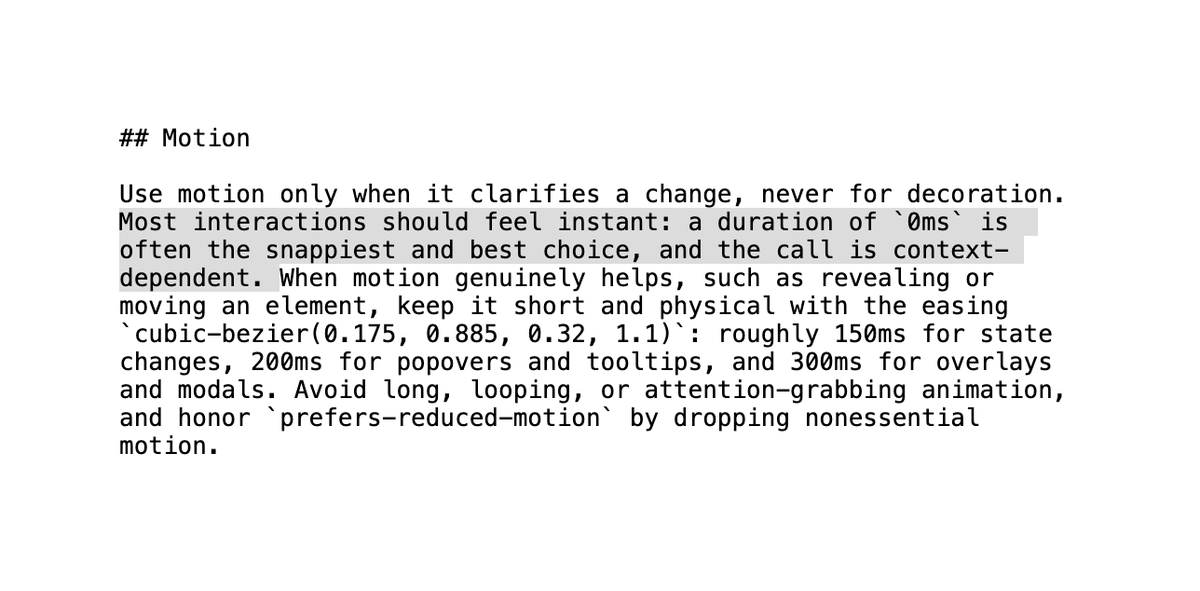 @jshguo
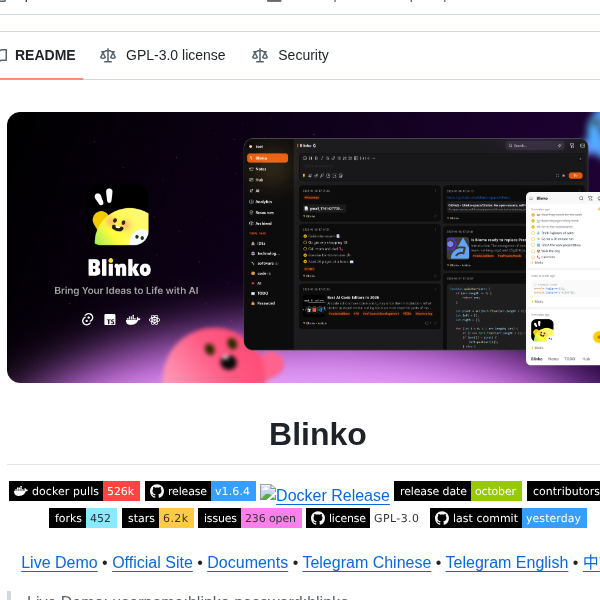 @tom_doerr
 @GithubProjectshttps://www.opensourceprojects.dev/post/1944990947273519485@GithubProjectshttps://www.opensourceprojects.dev/post/1945170206852087918@GithubProjects@dudufolio If you need logos on an API there's @logodotdev http://logo.dev@gingerbeardman
 @tom_doerr
 @ImSh4yy
 ▶@yescynfria@wesbos definitely @mobbin https://mobbin.com/
also UI library showcases like @chakra_ui is an underrated place to look!@jeffzxh
▶@yescynfria@wesbos definitely @mobbin https://mobbin.com/
also UI library showcases like @chakra_ui is an underrated place to look!@jeffzxh @tom_doerrhttps://www.opensourceprojects.dev/post/1945335564766470180@GithubProjects
 @GithubProjects
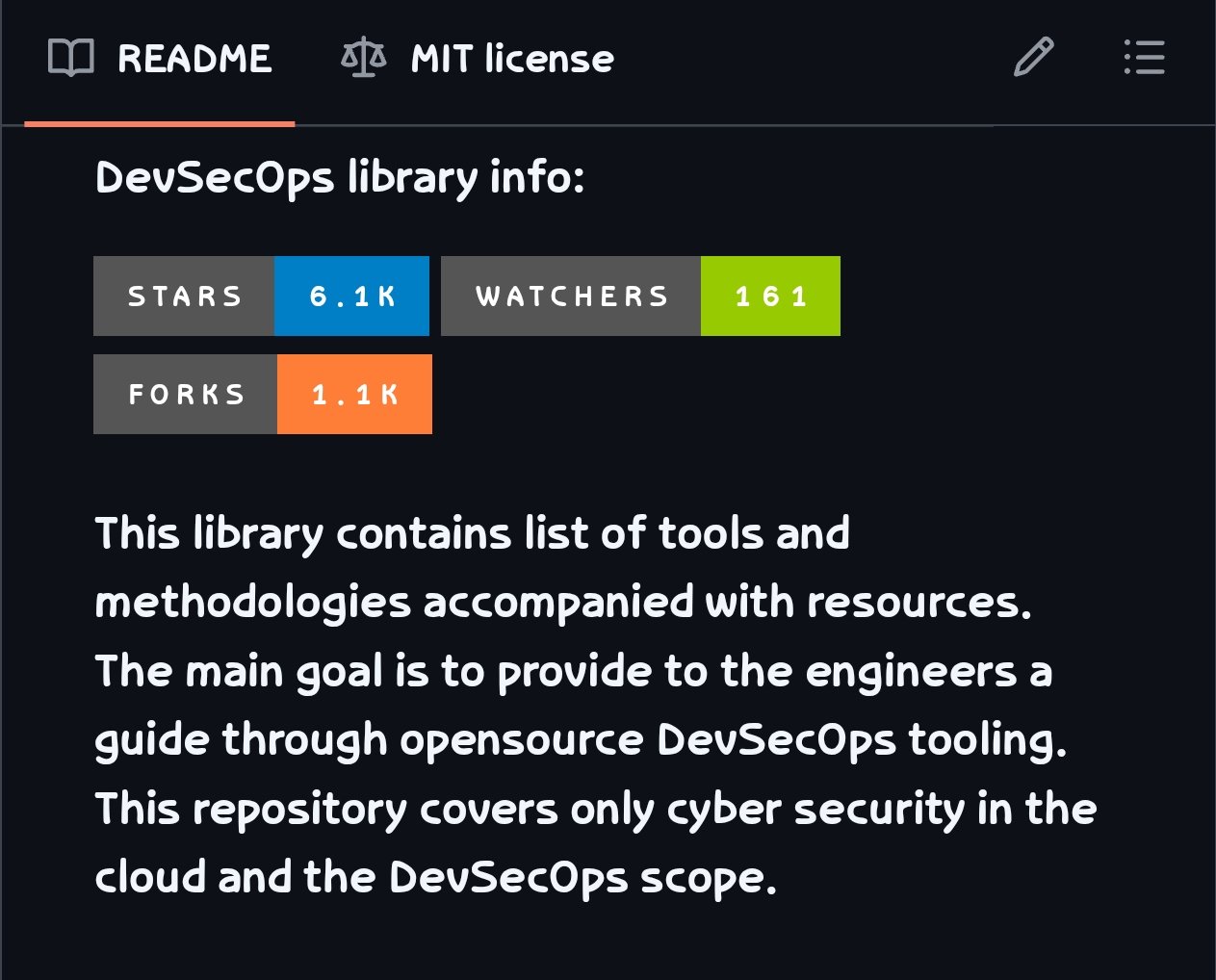
 @GithubProjectsGitHub Repository:
https://github.com/chonkie-inc/chonkie@GithubProjects
@GithubProjectsGitHub Repository:
https://github.com/chonkie-inc/chonkie@GithubProjects ▶@tomm_ui
 @ctatedev
 @GithubProjectsyour terminal in 4 upgrades:
1. ghostty — the terminal itself. fast, native, beautiful. finally one worth using.
2. tmux — sessions that survive anything. split panes, detach, come back later like nothing happened.
3. fish — autocomplete that actually works. syntax highlighting. no config needed.
4. starship — a prompt that shows you what matters (git branch, exit codes, env) without slowing you down.
use: brew install tmux fish starship + ghostty .org
your future self will thank you@cathrynlavery
@GithubProjectsyour terminal in 4 upgrades:
1. ghostty — the terminal itself. fast, native, beautiful. finally one worth using.
2. tmux — sessions that survive anything. split panes, detach, come back later like nothing happened.
3. fish — autocomplete that actually works. syntax highlighting. no config needed.
4. starship — a prompt that shows you what matters (git branch, exit codes, env) without slowing you down.
use: brew install tmux fish starship + ghostty .org
your future self will thank you@cathrynlavery