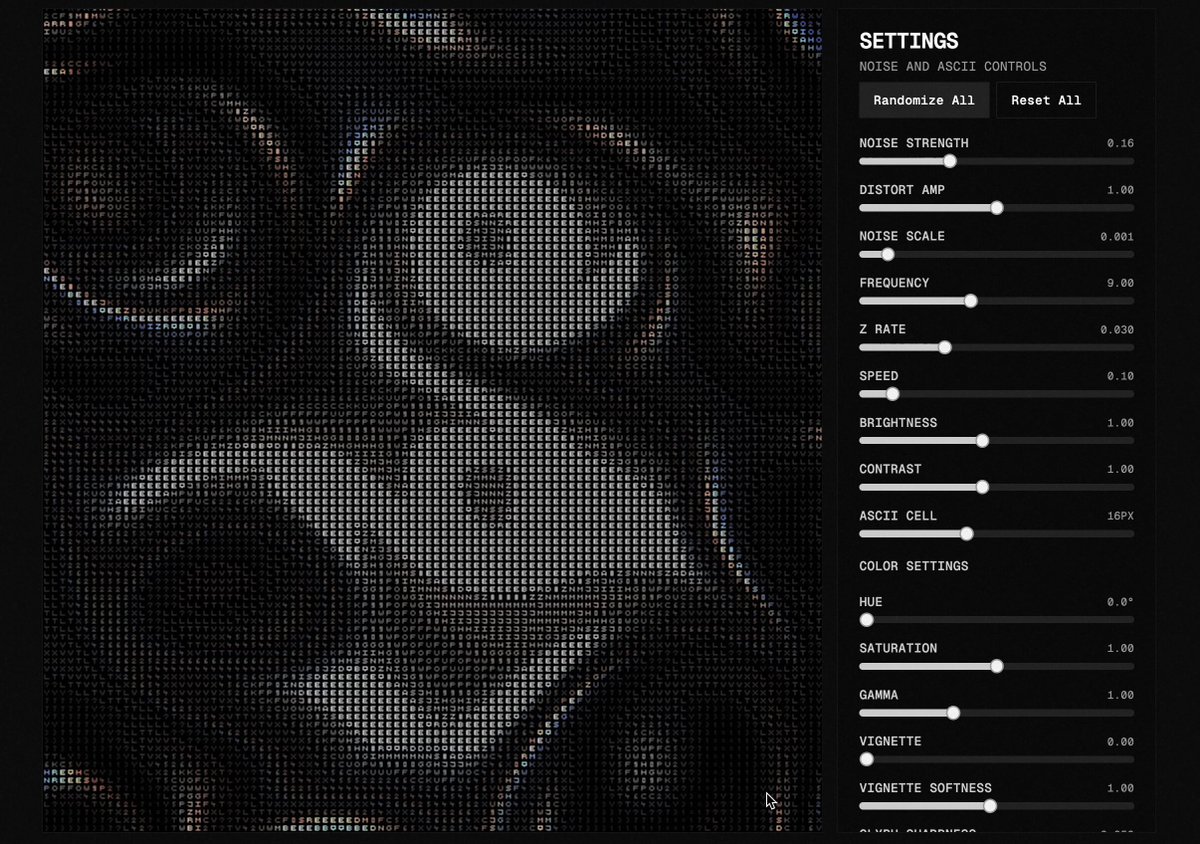
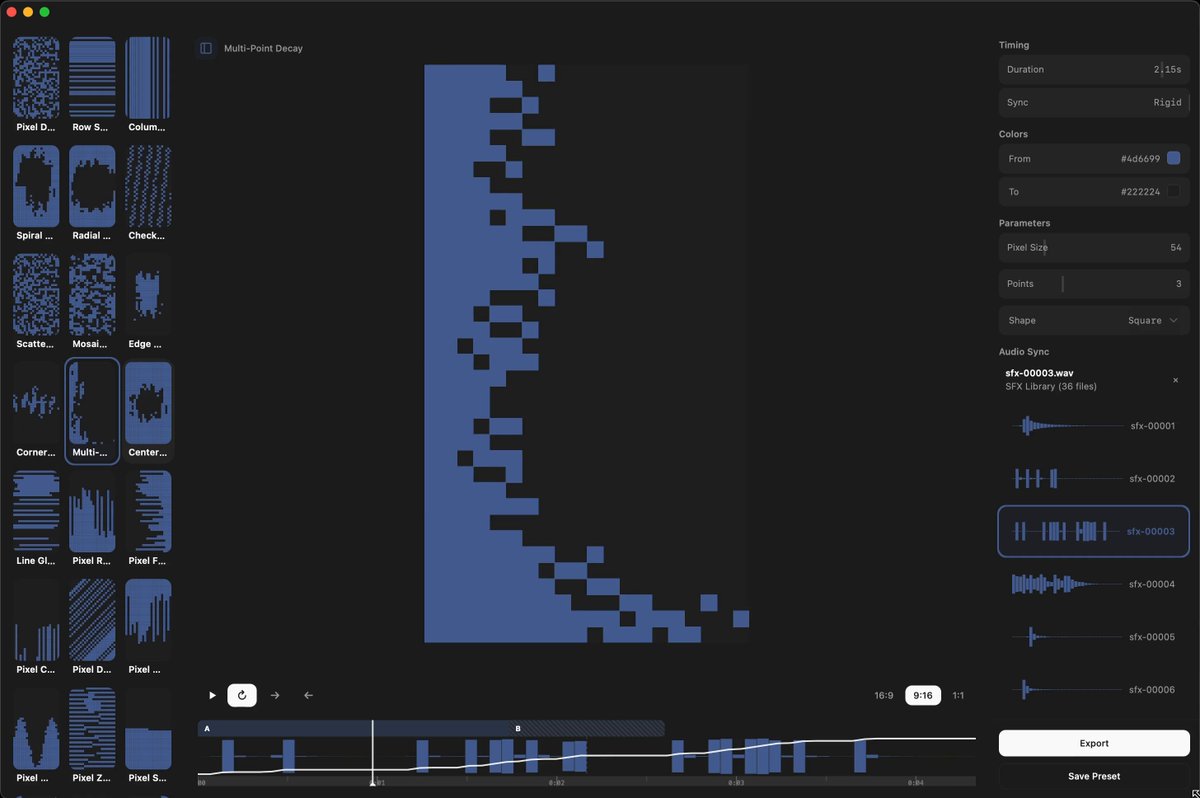
tool is live, show me what you cook: https://ascii.0xbalance.xyz/

Lauge@0xLauge
open on x ↗tool is live, show me what you cook: ascii.0xbalance.xyz/
tool is live, show me what you cook: https://ascii.0xbalance.xyz/
tool is live, show me what you cook: ascii.0xbalance.xyz/
 ▶@0xLauge
 @bbssppllvv
 ▶@ElijahKurien@derekmeegan i make all of these on http://shadertoy.com!@instance_11
 ▶@abouelatta_aliLow-key websites I quietly rely on
1) http://roadmap.sh
Gives you a brutally clear learning path for roles like frontend, backend, DevOps, etc
No fluff, just “learn this → then this → then this”.
2) http://playcode.io
An online playground to quickly test HTML, CSS, JS without setting up anything locally
Perfect for quick experiments and debugging ideas
3) http://usehooks.com
A collection of reusable React hooks with real use cases
Saves time and helps you avoid rewriting the same logic again and again
4) http://devhints.io
Concise cheat sheets for languages, frameworks, and tools. Ideal when you forget syntax and don’t want to read a 20-minute blog
5) http://jsoncrack.com
Turns messy JSON into a clean visual tree
Makes understanding large APIs and configs way easier than staring at raw text
6) http://realtimecolors.com
Lets you generate and preview color palettes instantly
Useful when you want decent UI colors without guessing or copying blindly
7) http://regex101.com
Build, test, and debug regex step by step with explanations Honestly, the fastest way to stop hating regex
8) http://bundlephobia.com
Shows how big an npm package really is before you install it
Helps you avoid bloating your app with “tiny” libraries
9) http://caniuse.com
Tells you which CSS/JS features actually work across browsers Essential before using shiny new features in production
10) http://toolbox.googleapps.com
Google’s own diagnostics tools for DNS, email, headers, and network issues
Surprisingly useful for debugging real-world problems
👉 Which one of these do you already use and which one did you not know existed?@shekhu04
▶@abouelatta_aliLow-key websites I quietly rely on
1) http://roadmap.sh
Gives you a brutally clear learning path for roles like frontend, backend, DevOps, etc
No fluff, just “learn this → then this → then this”.
2) http://playcode.io
An online playground to quickly test HTML, CSS, JS without setting up anything locally
Perfect for quick experiments and debugging ideas
3) http://usehooks.com
A collection of reusable React hooks with real use cases
Saves time and helps you avoid rewriting the same logic again and again
4) http://devhints.io
Concise cheat sheets for languages, frameworks, and tools. Ideal when you forget syntax and don’t want to read a 20-minute blog
5) http://jsoncrack.com
Turns messy JSON into a clean visual tree
Makes understanding large APIs and configs way easier than staring at raw text
6) http://realtimecolors.com
Lets you generate and preview color palettes instantly
Useful when you want decent UI colors without guessing or copying blindly
7) http://regex101.com
Build, test, and debug regex step by step with explanations Honestly, the fastest way to stop hating regex
8) http://bundlephobia.com
Shows how big an npm package really is before you install it
Helps you avoid bloating your app with “tiny” libraries
9) http://caniuse.com
Tells you which CSS/JS features actually work across browsers Essential before using shiny new features in production
10) http://toolbox.googleapps.com
Google’s own diagnostics tools for DNS, email, headers, and network issues
Surprisingly useful for debugging real-world problems
👉 Which one of these do you already use and which one did you not know existed?@shekhu04 @logodotdev
 @LiorOnAI
 ▶@dr_cintashttp://x.com/i/article/2032605528149352448@SHL0MS
 ▶@bflycomputer
 ▶@toolfolio
 ▶@argofowl≡ 2
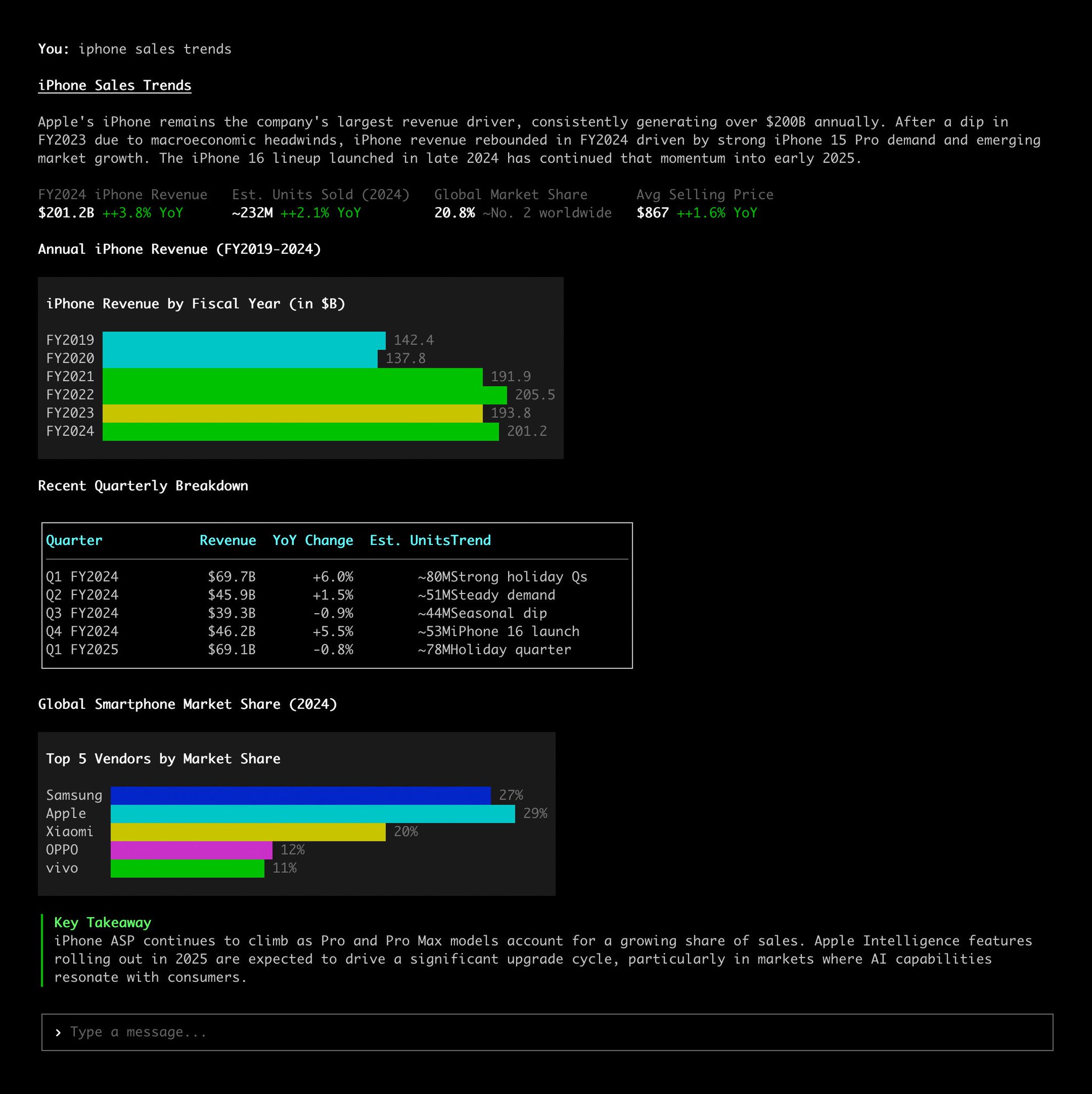 @ctatedevMight have some bugs, working on it. dm me if you find anything. mobile is okay rn but better mobile version soon. more effects + better ascii/dither algorithms coming over the next few days/weeks https://grainrad.com@almmaasoglu
 ▶@_chenglou
 @AlbiaHossain
 ▶@DataChaz
 @Fried_rice
 ▶@RalconStudio
 ▶@javiiarchive
 ▶@TheAhmadOsmanAfter a couple hours of work, I finally finished developing my first ever skill. :D
Claude’s frontend skill tells the AI to "pick an extreme aesthetic" and "be creative."
The problem tho is LLMs are just based on probability. Without strict rules, they statistically default to the most likely patterns, that's where AI slop comes from.
To get clean and production-grade UI, you need to override these biases with some engineering constraints.
I open-sourced Taste-Skill to fix this. :)
Check it out! https://github.com/Leonxlnx/taste-skill
(still early lots of improvements are on the way)@LexnLinOne tip for your websites
Your AI-generated sites often look cheap cause you lack good assets and typography. It's not just about the prompt ;)
Here are some good inspo sites!
✦ http://ui.aceternity.com -> nice react components and micro-animations
✦ http://bentogrids.com -> really really great layout inspiration for dashboards/grids
✦ http://fontshare.com -> for premium typography
✦ http://coolshap.es and http://grainient.supply/freebies -> nice shapes and background textures
✦ http://craftwork.design/curated/websites/ -> very nice website inspiration@LexnLin
▶@TheAhmadOsmanAfter a couple hours of work, I finally finished developing my first ever skill. :D
Claude’s frontend skill tells the AI to "pick an extreme aesthetic" and "be creative."
The problem tho is LLMs are just based on probability. Without strict rules, they statistically default to the most likely patterns, that's where AI slop comes from.
To get clean and production-grade UI, you need to override these biases with some engineering constraints.
I open-sourced Taste-Skill to fix this. :)
Check it out! https://github.com/Leonxlnx/taste-skill
(still early lots of improvements are on the way)@LexnLinOne tip for your websites
Your AI-generated sites often look cheap cause you lack good assets and typography. It's not just about the prompt ;)
Here are some good inspo sites!
✦ http://ui.aceternity.com -> nice react components and micro-animations
✦ http://bentogrids.com -> really really great layout inspiration for dashboards/grids
✦ http://fontshare.com -> for premium typography
✦ http://coolshap.es and http://grainient.supply/freebies -> nice shapes and background textures
✦ http://craftwork.design/curated/websites/ -> very nice website inspiration@LexnLin ▶@kaolti
 ▶@mdsI've tried all ( 74 😵💫 ) AI Coding Agents & IDEs
[Rork, CodeRabbit, Anima, Zed, Factory, Cursor, Windsurf, Copilot, Lovable, Bolt, v0, Replit, MarsX, Canva, Devin, Github Spark, Vercel, Lindy, Warp, Figma, Cline, Vibe Coder & more]
The most complete list ever made (with demos & notes):@johnrushxIntroducing Vibe SDK@rauchg
▶@mdsI've tried all ( 74 😵💫 ) AI Coding Agents & IDEs
[Rork, CodeRabbit, Anima, Zed, Factory, Cursor, Windsurf, Copilot, Lovable, Bolt, v0, Replit, MarsX, Canva, Devin, Github Spark, Vercel, Lindy, Warp, Figma, Cline, Vibe Coder & more]
The most complete list ever made (with demos & notes):@johnrushxIntroducing Vibe SDK@rauchg ▶@bnj
▶@bnj @bertwitt≡ 12+13