Average UI isn’t our competition. It’s what we replace. https://ui.watermelon.sh/

vansh@vanshdevx
open on x ↗Average UI isn’t our competition. It’s what we replace. ui.watermelon.sh/
Average UI isn’t our competition. It’s what we replace. https://ui.watermelon.sh/
Average UI isn’t our competition. It’s what we replace. ui.watermelon.sh/
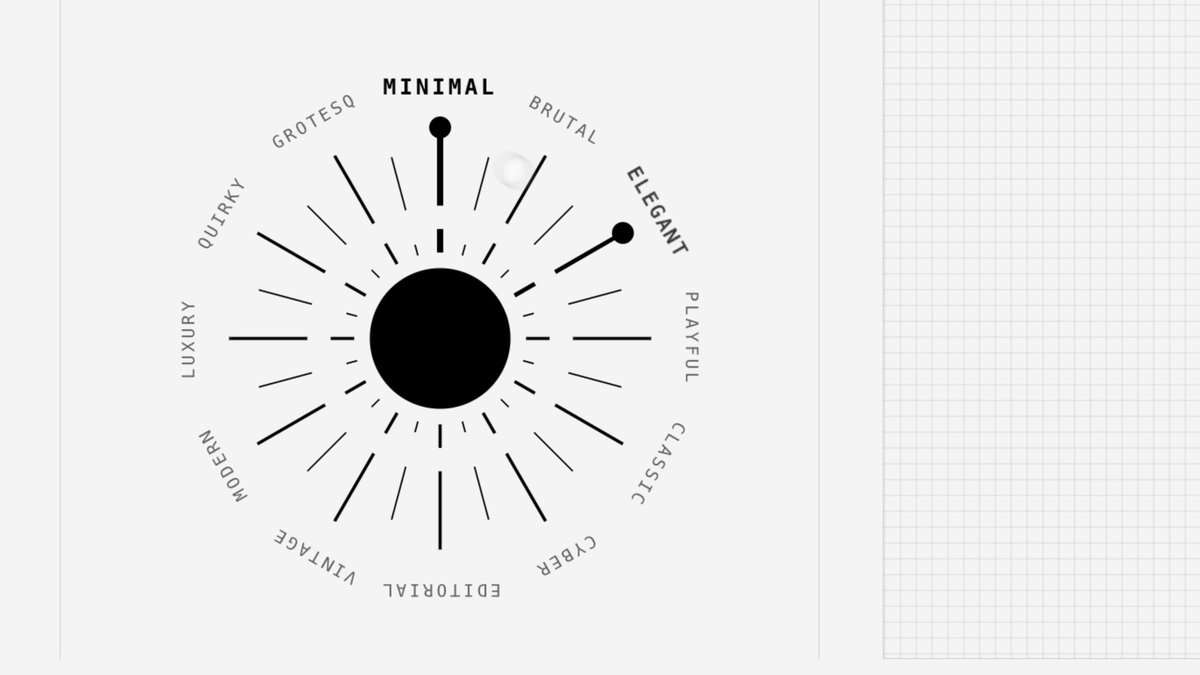 ▶@vamsibatchuk
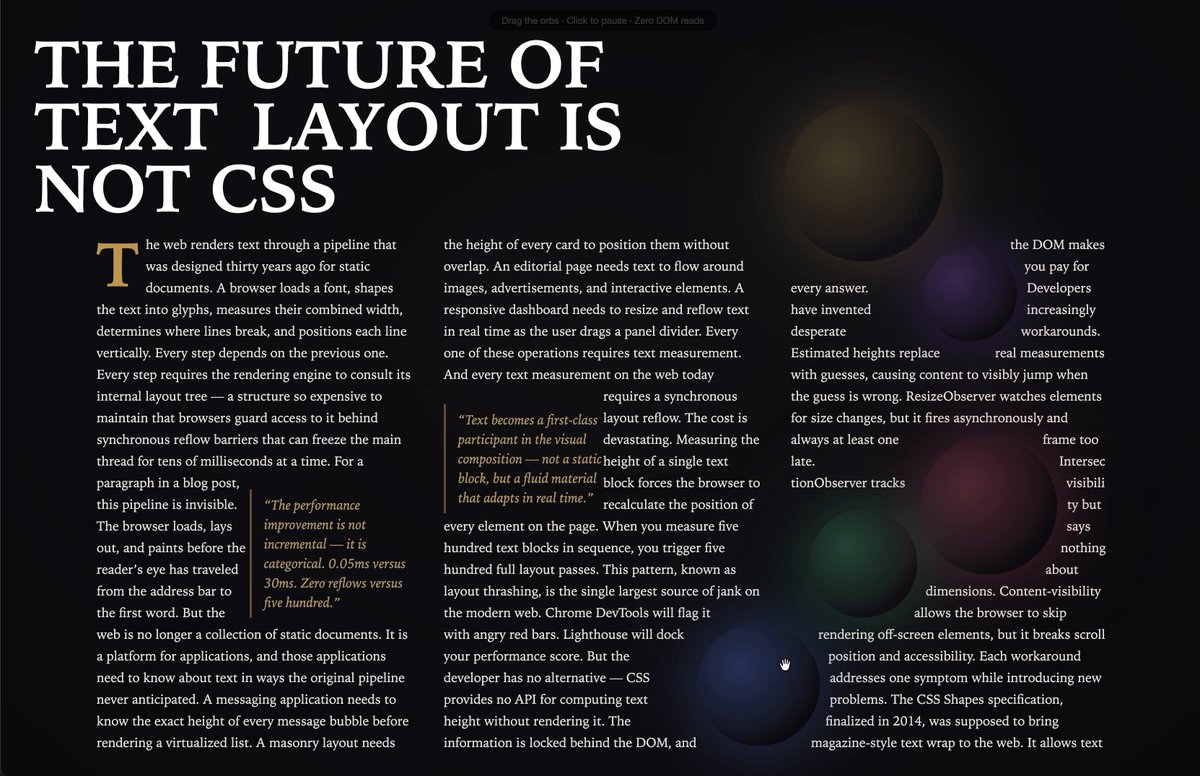 ▶@_chenglou
 ▶@CollectUIOne tip for your websites
Your AI-generated sites often look cheap cause you lack good assets and typography. It's not just about the prompt ;)
Here are some good inspo sites!
✦ http://ui.aceternity.com -> nice react components and micro-animations
✦ http://bentogrids.com -> really really great layout inspiration for dashboards/grids
✦ http://fontshare.com -> for premium typography
✦ http://coolshap.es and http://grainient.supply/freebies -> nice shapes and background textures
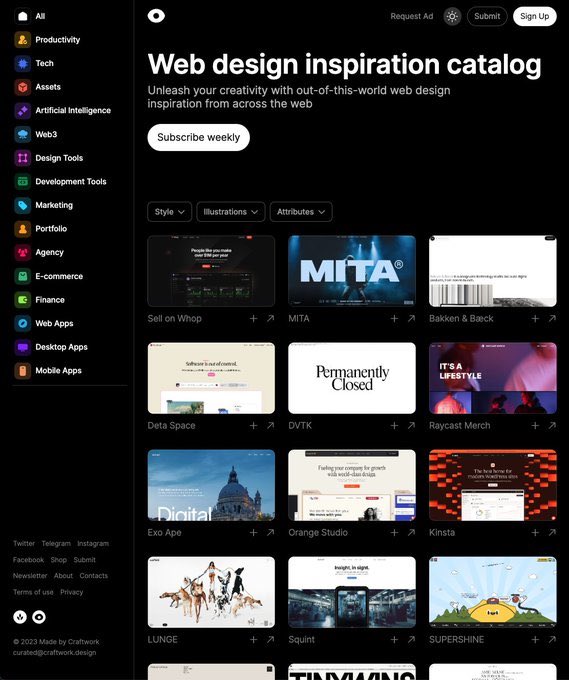
✦ http://craftwork.design/curated/websites/ -> very nice website inspiration@LexnLinVercel Ship (so far)
▲ Vercel Services
— Run full stack on Vercel
— Microservices on Vercel
— Private service comms
▲ eve
— The framework for building agents
— Durable agents with one folder
— Sandboxing, approvals and evals
▲ WebSocket support
— Persistent connections
▲ Vercel Functions
— Dockerfile support
— 5 GB packages, 30 min
— Zero-config Node servers
▲ Vercel Agent in Dashboard
— Autonomous investigations
— Plan-based permissions
— Fixes surfaced as PRs
▲ Vercel Container Registry
— Container images on Vercel
— OCI push, pull and tag
▲ Vercel Sandbox
— Custom images
— Persistent sandbox storage
— 24 hour runtime + expiration
▲ AI SDK 7 + agent harnesses
— Toolkit for building agents
— Coding-agent harnesses
▲ Chat SDK
— Multi-channel agents
▲ Access & security
— Vercel Passport: OIDC access
— Vercel Connect: external services
— OIDC audiences + Audit Logs
▲ Enterprise apps and agents
— Security posture dashboard
— Vercel Functions in your cloud
▲ AI Gateway
— Voice, speech and transcription
— API key budgets
▲ Vercel Blob
— Private blob storage
— Signed URLs and OIDC auth
▲ Builds & deployments
— 500 concurrent builds for Pro
— Vercel Drop
— Elastic builds
▲ Vercel CLI
— Speed Insights + Web Analytics
— Trace any request
— Deployment limits removed
▲ Observability
— Trace eve sessions
— Trace Workflow runs
▲ Workflows
— Inflight cancellation
— Nitro v3 + TanStack Start
▲ SDK-free Vercel Flags
— No SDK keys@ctatedev
▶@CollectUIOne tip for your websites
Your AI-generated sites often look cheap cause you lack good assets and typography. It's not just about the prompt ;)
Here are some good inspo sites!
✦ http://ui.aceternity.com -> nice react components and micro-animations
✦ http://bentogrids.com -> really really great layout inspiration for dashboards/grids
✦ http://fontshare.com -> for premium typography
✦ http://coolshap.es and http://grainient.supply/freebies -> nice shapes and background textures
✦ http://craftwork.design/curated/websites/ -> very nice website inspiration@LexnLinVercel Ship (so far)
▲ Vercel Services
— Run full stack on Vercel
— Microservices on Vercel
— Private service comms
▲ eve
— The framework for building agents
— Durable agents with one folder
— Sandboxing, approvals and evals
▲ WebSocket support
— Persistent connections
▲ Vercel Functions
— Dockerfile support
— 5 GB packages, 30 min
— Zero-config Node servers
▲ Vercel Agent in Dashboard
— Autonomous investigations
— Plan-based permissions
— Fixes surfaced as PRs
▲ Vercel Container Registry
— Container images on Vercel
— OCI push, pull and tag
▲ Vercel Sandbox
— Custom images
— Persistent sandbox storage
— 24 hour runtime + expiration
▲ AI SDK 7 + agent harnesses
— Toolkit for building agents
— Coding-agent harnesses
▲ Chat SDK
— Multi-channel agents
▲ Access & security
— Vercel Passport: OIDC access
— Vercel Connect: external services
— OIDC audiences + Audit Logs
▲ Enterprise apps and agents
— Security posture dashboard
— Vercel Functions in your cloud
▲ AI Gateway
— Voice, speech and transcription
— API key budgets
▲ Vercel Blob
— Private blob storage
— Signed URLs and OIDC auth
▲ Builds & deployments
— 500 concurrent builds for Pro
— Vercel Drop
— Elastic builds
▲ Vercel CLI
— Speed Insights + Web Analytics
— Trace any request
— Deployment limits removed
▲ Observability
— Trace eve sessions
— Trace Workflow runs
▲ Workflows
— Inflight cancellation
— Nitro v3 + TanStack Start
▲ SDK-free Vercel Flags
— No SDK keys@ctatedev ▶@abouelatta_ali
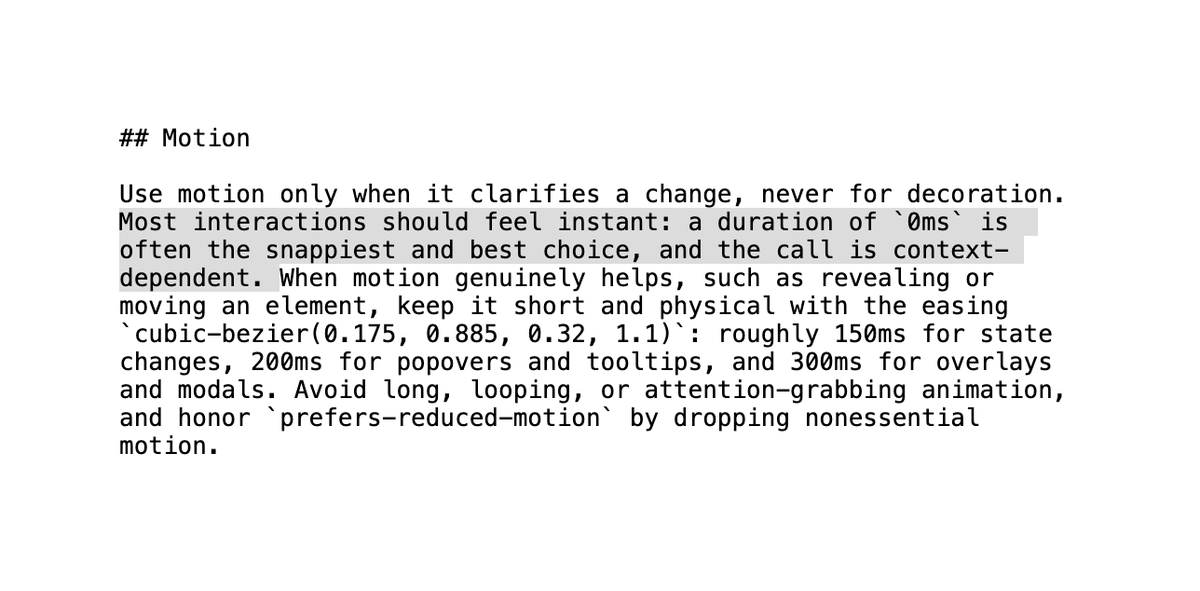 @jshguoBest Model Per Use-Case
Presentations - Gemini 2.5
Full-stack apps - GPT-5 Codex, Sonnet 4.5
Docs - Gemini 2.5, GPT-5 thinking
Videos - Sora 2
Images - Nano Banana
Coding - Sonnet 4.5, Grok Code Fast
Browser use - Sonnet 4.5
Doc Processing - Gemini Flash
Enterprise Search - Sonnet 4.5
Data analysis (complex) - Opus 4.1
Agentic workflows - Sonnet 4.5, Haiku 4.5@bindureddy@heyyswap https://www.buildincollege.com/dashboard@idynamightt
@jshguoBest Model Per Use-Case
Presentations - Gemini 2.5
Full-stack apps - GPT-5 Codex, Sonnet 4.5
Docs - Gemini 2.5, GPT-5 thinking
Videos - Sora 2
Images - Nano Banana
Coding - Sonnet 4.5, Grok Code Fast
Browser use - Sonnet 4.5
Doc Processing - Gemini Flash
Enterprise Search - Sonnet 4.5
Data analysis (complex) - Opus 4.1
Agentic workflows - Sonnet 4.5, Haiku 4.5@bindureddy@heyyswap https://www.buildincollege.com/dashboard@idynamightt @UiSavior
 @UiSavior
 @ctatedev
 @PrajwalTomar_Low-key websites I quietly rely on
1) http://roadmap.sh
Gives you a brutally clear learning path for roles like frontend, backend, DevOps, etc
No fluff, just “learn this → then this → then this”.
2) http://playcode.io
An online playground to quickly test HTML, CSS, JS without setting up anything locally
Perfect for quick experiments and debugging ideas
3) http://usehooks.com
A collection of reusable React hooks with real use cases
Saves time and helps you avoid rewriting the same logic again and again
4) http://devhints.io
Concise cheat sheets for languages, frameworks, and tools. Ideal when you forget syntax and don’t want to read a 20-minute blog
5) http://jsoncrack.com
Turns messy JSON into a clean visual tree
Makes understanding large APIs and configs way easier than staring at raw text
6) http://realtimecolors.com
Lets you generate and preview color palettes instantly
Useful when you want decent UI colors without guessing or copying blindly
7) http://regex101.com
Build, test, and debug regex step by step with explanations Honestly, the fastest way to stop hating regex
8) http://bundlephobia.com
Shows how big an npm package really is before you install it
Helps you avoid bloating your app with “tiny” libraries
9) http://caniuse.com
Tells you which CSS/JS features actually work across browsers Essential before using shiny new features in production
10) http://toolbox.googleapps.com
Google’s own diagnostics tools for DNS, email, headers, and network issues
Surprisingly useful for debugging real-world problems
👉 Which one of these do you already use and which one did you not know existed?@shekhu04
@PrajwalTomar_Low-key websites I quietly rely on
1) http://roadmap.sh
Gives you a brutally clear learning path for roles like frontend, backend, DevOps, etc
No fluff, just “learn this → then this → then this”.
2) http://playcode.io
An online playground to quickly test HTML, CSS, JS without setting up anything locally
Perfect for quick experiments and debugging ideas
3) http://usehooks.com
A collection of reusable React hooks with real use cases
Saves time and helps you avoid rewriting the same logic again and again
4) http://devhints.io
Concise cheat sheets for languages, frameworks, and tools. Ideal when you forget syntax and don’t want to read a 20-minute blog
5) http://jsoncrack.com
Turns messy JSON into a clean visual tree
Makes understanding large APIs and configs way easier than staring at raw text
6) http://realtimecolors.com
Lets you generate and preview color palettes instantly
Useful when you want decent UI colors without guessing or copying blindly
7) http://regex101.com
Build, test, and debug regex step by step with explanations Honestly, the fastest way to stop hating regex
8) http://bundlephobia.com
Shows how big an npm package really is before you install it
Helps you avoid bloating your app with “tiny” libraries
9) http://caniuse.com
Tells you which CSS/JS features actually work across browsers Essential before using shiny new features in production
10) http://toolbox.googleapps.com
Google’s own diagnostics tools for DNS, email, headers, and network issues
Surprisingly useful for debugging real-world problems
👉 Which one of these do you already use and which one did you not know existed?@shekhu04 @JohnPhamous
 ▶@pheralb_
 @bertwitt≡ 12+13
 ▶@ElijahKurien
 ▶@ZingadePiyush
 @UiSavior@vixhal have you tried qutebrowser?? It has vim like controls, and it's super lightweight.@surajpathakcs
 ▶@tomm_ui
 ▶@AkshitVrma
 @dingyi@wesbos https://bestdesignsonx.com/
Best thing I found so far@mike_ulicny
@dingyi@wesbos https://bestdesignsonx.com/
Best thing I found so far@mike_ulicny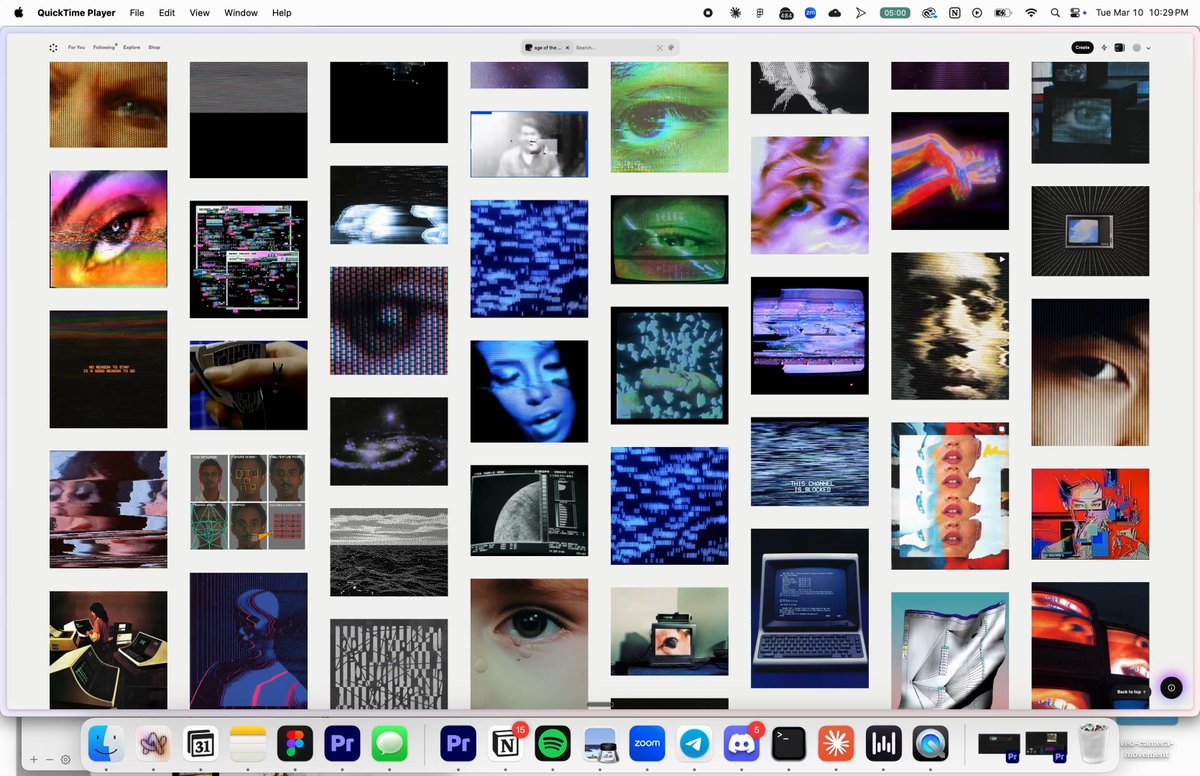 ▶@beechinourI've tried all ( 74 😵💫 ) AI Coding Agents & IDEs
[Rork, CodeRabbit, Anima, Zed, Factory, Cursor, Windsurf, Copilot, Lovable, Bolt, v0, Replit, MarsX, Canva, Devin, Github Spark, Vercel, Lindy, Warp, Figma, Cline, Vibe Coder & more]
The most complete list ever made (with demos & notes):@johnrushx
▶@beechinourI've tried all ( 74 😵💫 ) AI Coding Agents & IDEs
[Rork, CodeRabbit, Anima, Zed, Factory, Cursor, Windsurf, Copilot, Lovable, Bolt, v0, Replit, MarsX, Canva, Devin, Github Spark, Vercel, Lindy, Warp, Figma, Cline, Vibe Coder & more]
The most complete list ever made (with demos & notes):@johnrushx ▶@0xGoodfuture
 ▶@ultramock