Simon Farshid@simonfarshid
open on x ↗xpm - Never think about package managers again.
xpm - Never think about package managers again.
 ▶@whosjunaidd
 ▶@dr_cintas
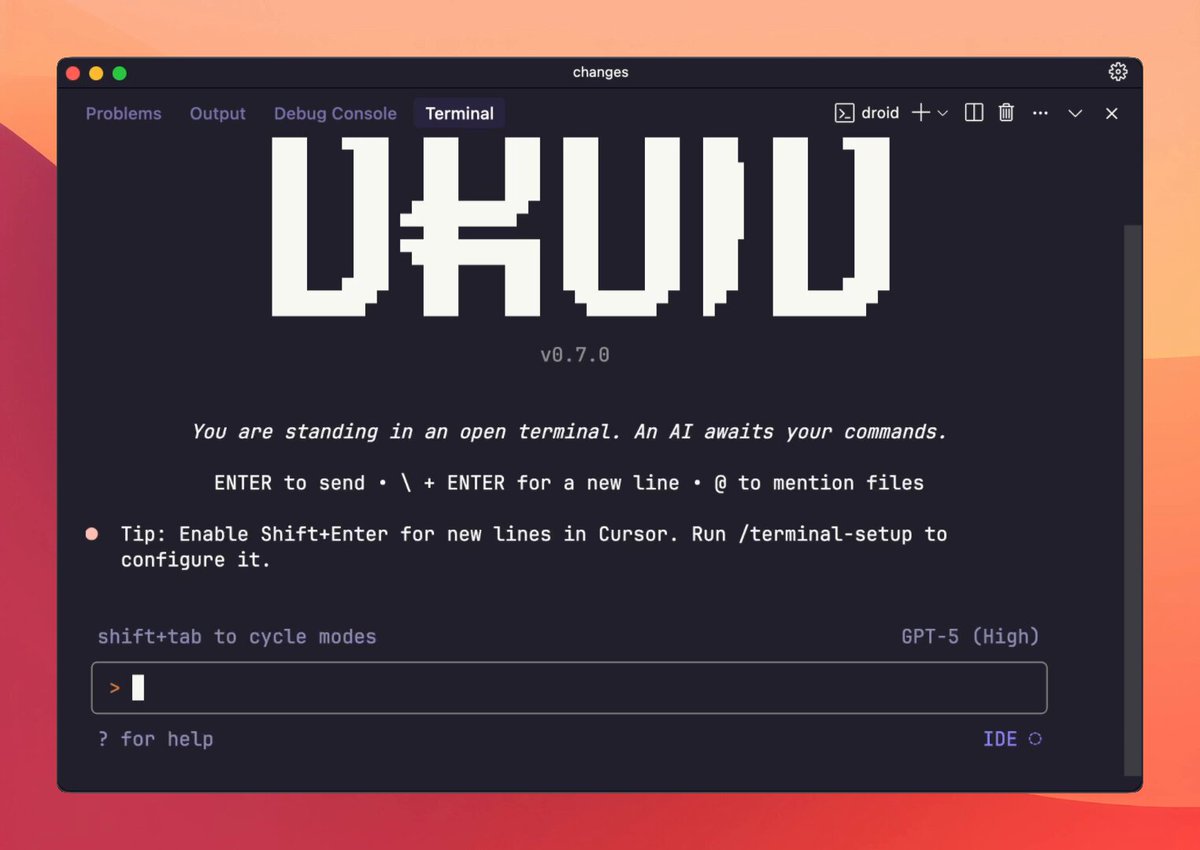 ▶@iannuttallI've tried all ( 74 😵💫 ) AI Coding Agents & IDEs
[Rork, CodeRabbit, Anima, Zed, Factory, Cursor, Windsurf, Copilot, Lovable, Bolt, v0, Replit, MarsX, Canva, Devin, Github Spark, Vercel, Lindy, Warp, Figma, Cline, Vibe Coder & more]
The most complete list ever made (with demos & notes):@johnrushx
▶@iannuttallI've tried all ( 74 😵💫 ) AI Coding Agents & IDEs
[Rork, CodeRabbit, Anima, Zed, Factory, Cursor, Windsurf, Copilot, Lovable, Bolt, v0, Replit, MarsX, Canva, Devin, Github Spark, Vercel, Lindy, Warp, Figma, Cline, Vibe Coder & more]
The most complete list ever made (with demos & notes):@johnrushx @vladmoroz@wesbos definitely @mobbin https://mobbin.com/
also UI library showcases like @chakra_ui is an underrated place to look!@jeffzxhLow-key websites I quietly rely on
1) http://roadmap.sh
Gives you a brutally clear learning path for roles like frontend, backend, DevOps, etc
No fluff, just “learn this → then this → then this”.
2) http://playcode.io
An online playground to quickly test HTML, CSS, JS without setting up anything locally
Perfect for quick experiments and debugging ideas
3) http://usehooks.com
A collection of reusable React hooks with real use cases
Saves time and helps you avoid rewriting the same logic again and again
4) http://devhints.io
Concise cheat sheets for languages, frameworks, and tools. Ideal when you forget syntax and don’t want to read a 20-minute blog
5) http://jsoncrack.com
Turns messy JSON into a clean visual tree
Makes understanding large APIs and configs way easier than staring at raw text
6) http://realtimecolors.com
Lets you generate and preview color palettes instantly
Useful when you want decent UI colors without guessing or copying blindly
7) http://regex101.com
Build, test, and debug regex step by step with explanations Honestly, the fastest way to stop hating regex
8) http://bundlephobia.com
Shows how big an npm package really is before you install it
Helps you avoid bloating your app with “tiny” libraries
9) http://caniuse.com
Tells you which CSS/JS features actually work across browsers Essential before using shiny new features in production
10) http://toolbox.googleapps.com
Google’s own diagnostics tools for DNS, email, headers, and network issues
Surprisingly useful for debugging real-world problems
👉 Which one of these do you already use and which one did you not know existed?@shekhu04@1talons1 https://gruvbox-wallpapers.pages.dev from here, go to photography section.@mrohhellyeah
@vladmoroz@wesbos definitely @mobbin https://mobbin.com/
also UI library showcases like @chakra_ui is an underrated place to look!@jeffzxhLow-key websites I quietly rely on
1) http://roadmap.sh
Gives you a brutally clear learning path for roles like frontend, backend, DevOps, etc
No fluff, just “learn this → then this → then this”.
2) http://playcode.io
An online playground to quickly test HTML, CSS, JS without setting up anything locally
Perfect for quick experiments and debugging ideas
3) http://usehooks.com
A collection of reusable React hooks with real use cases
Saves time and helps you avoid rewriting the same logic again and again
4) http://devhints.io
Concise cheat sheets for languages, frameworks, and tools. Ideal when you forget syntax and don’t want to read a 20-minute blog
5) http://jsoncrack.com
Turns messy JSON into a clean visual tree
Makes understanding large APIs and configs way easier than staring at raw text
6) http://realtimecolors.com
Lets you generate and preview color palettes instantly
Useful when you want decent UI colors without guessing or copying blindly
7) http://regex101.com
Build, test, and debug regex step by step with explanations Honestly, the fastest way to stop hating regex
8) http://bundlephobia.com
Shows how big an npm package really is before you install it
Helps you avoid bloating your app with “tiny” libraries
9) http://caniuse.com
Tells you which CSS/JS features actually work across browsers Essential before using shiny new features in production
10) http://toolbox.googleapps.com
Google’s own diagnostics tools for DNS, email, headers, and network issues
Surprisingly useful for debugging real-world problems
👉 Which one of these do you already use and which one did you not know existed?@shekhu04@1talons1 https://gruvbox-wallpapers.pages.dev from here, go to photography section.@mrohhellyeah ▶@bestdesignsonx
 @ChShersh@vixhal have you tried qutebrowser?? It has vim like controls, and it's super lightweight.@surajpathakcs
 @backpinelabs
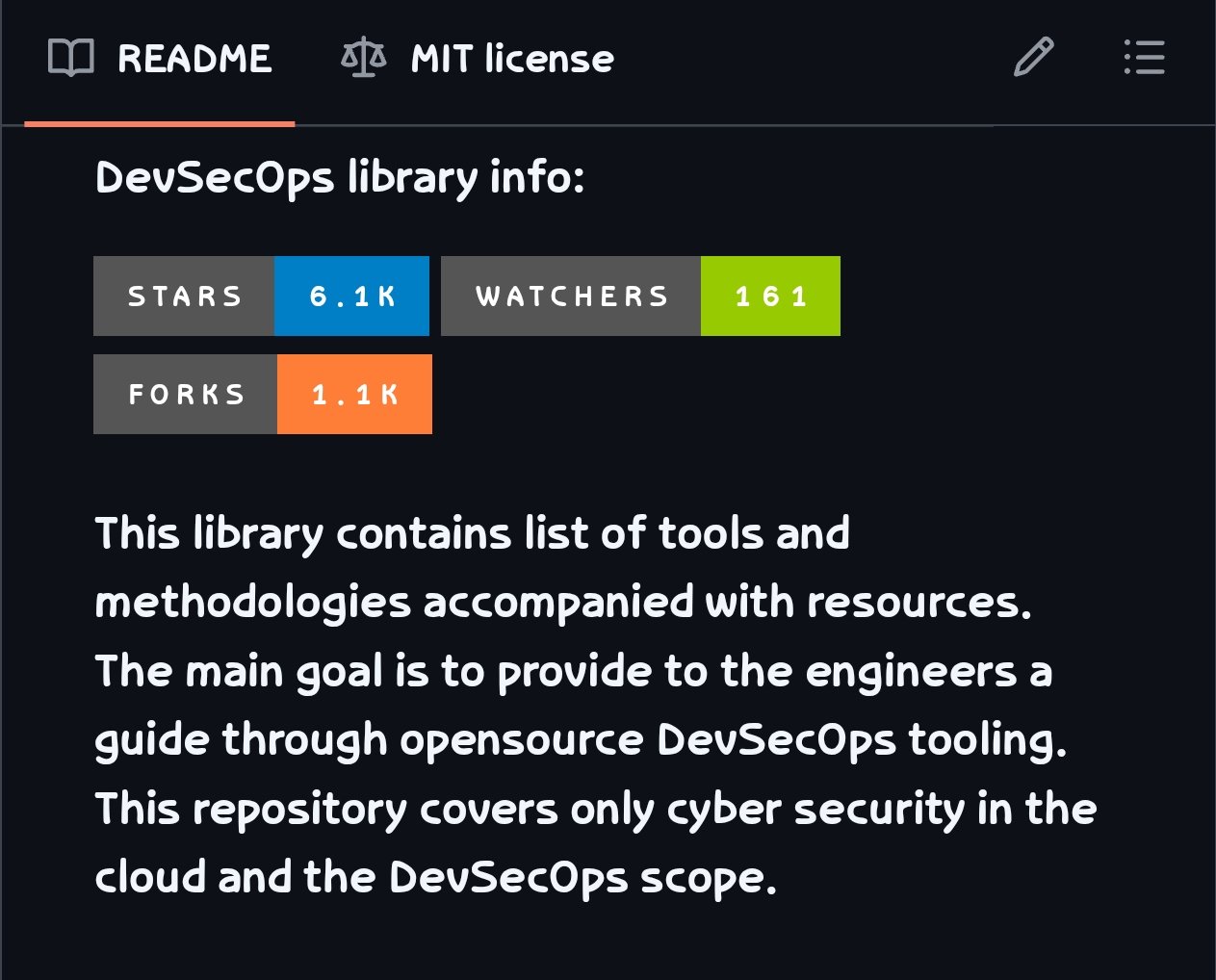 @GithubProjectsBest Model Per Use-Case
Presentations - Gemini 2.5
Full-stack apps - GPT-5 Codex, Sonnet 4.5
Docs - Gemini 2.5, GPT-5 thinking
Videos - Sora 2
Images - Nano Banana
Coding - Sonnet 4.5, Grok Code Fast
Browser use - Sonnet 4.5
Doc Processing - Gemini Flash
Enterprise Search - Sonnet 4.5
Data analysis (complex) - Opus 4.1
Agentic workflows - Sonnet 4.5, Haiku 4.5@bindureddy
@GithubProjectsBest Model Per Use-Case
Presentations - Gemini 2.5
Full-stack apps - GPT-5 Codex, Sonnet 4.5
Docs - Gemini 2.5, GPT-5 thinking
Videos - Sora 2
Images - Nano Banana
Coding - Sonnet 4.5, Grok Code Fast
Browser use - Sonnet 4.5
Doc Processing - Gemini Flash
Enterprise Search - Sonnet 4.5
Data analysis (complex) - Opus 4.1
Agentic workflows - Sonnet 4.5, Haiku 4.5@bindureddy ▶@dhh
▶@dhh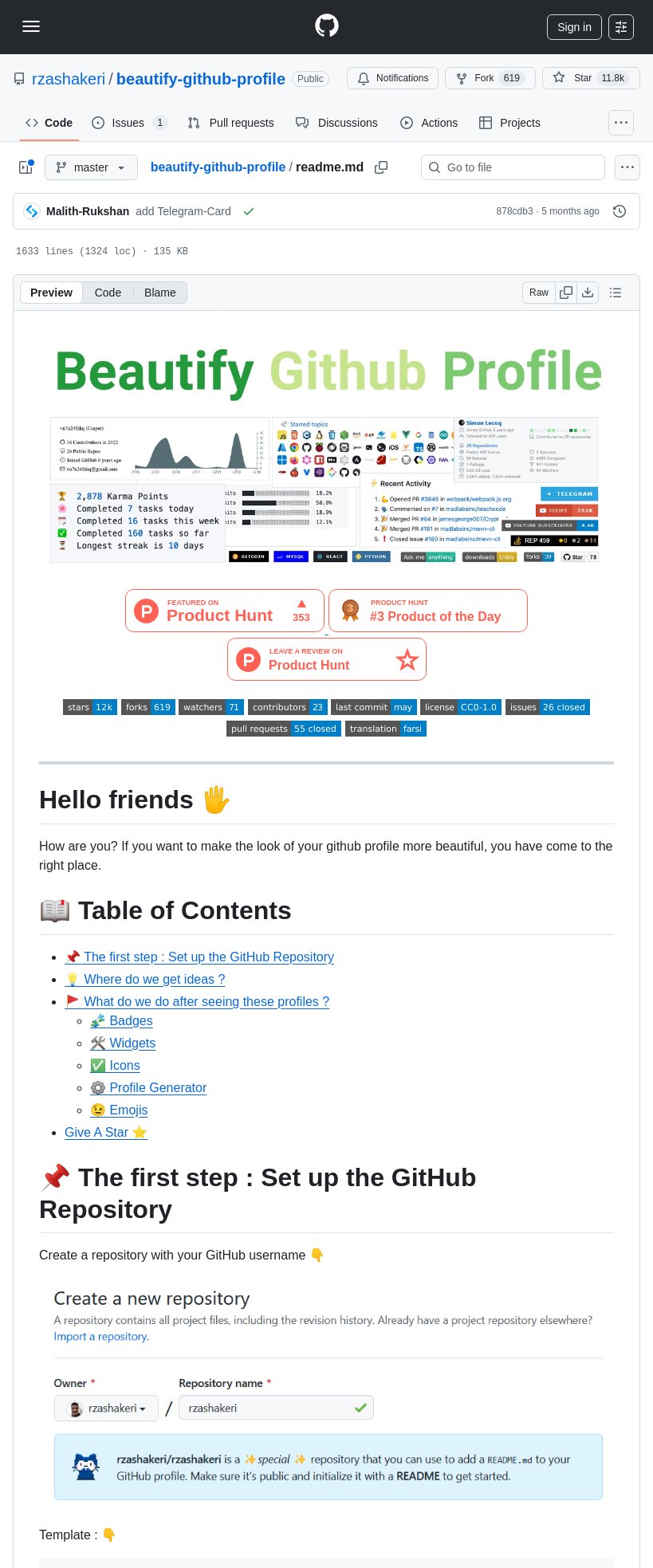 @tom_doerr
 ▶@bflycomputer
 @PrajwalTomar_
 ▶@flornkm