
Rohan Paul@rohanpaul_ai
open on x ↗

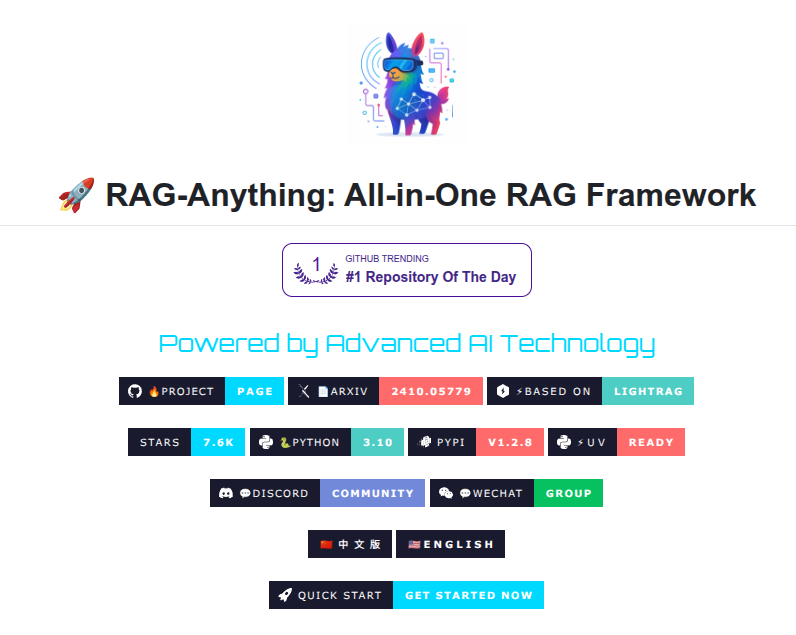
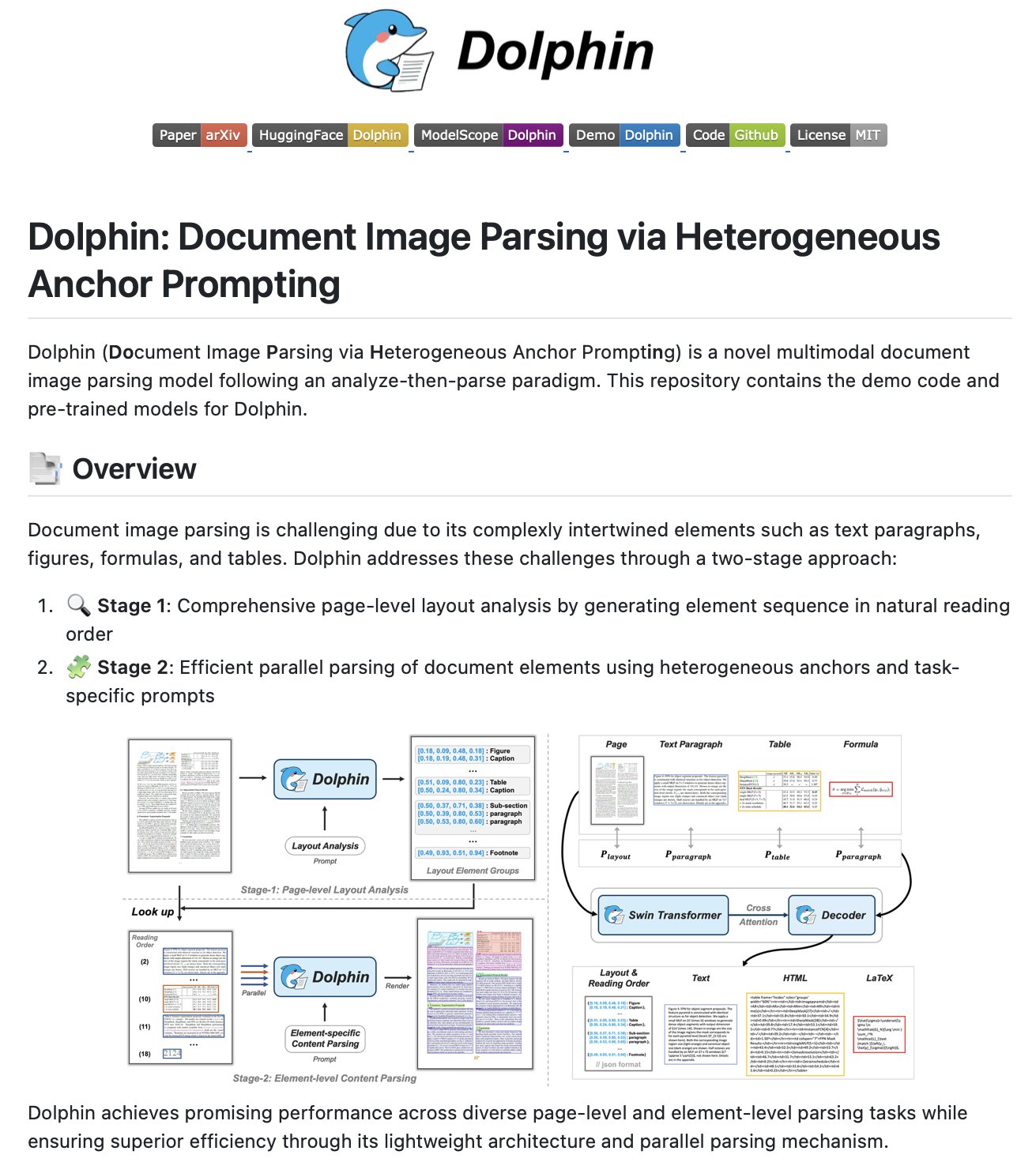
👨‍🔧 Github: RAG-Anything: All-in-One RAG Framework 7.6k Stars ⭐️ All-in-One Multimodal Document Processing RAG system built on LightRAG. You can query documents containing interleaved text, visual diagrams, structured tables, and mathematical formulations through one interface. - Document Parsing - Content Analysis - Knowledge Graph - Intelligent Retrieval github .com/HKUDS/RAG-Anything
95412557.9K
#ai
pinned 16 OCT 24· backfill

related

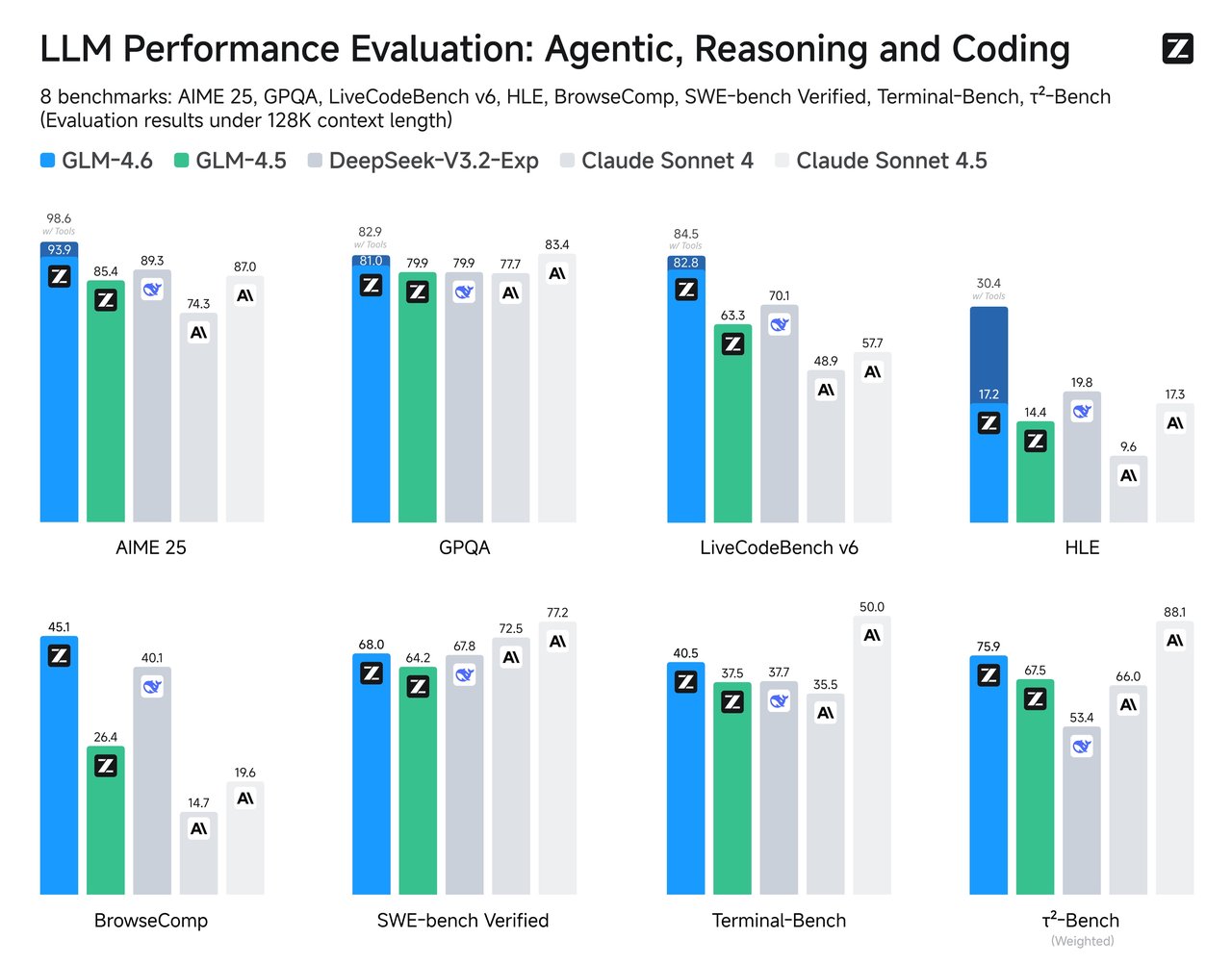
Techniques I'd master if building RAG systems that actually work: Bookmark this. 1. Sliding Window Chunking 2. Semantic Chunking 3. Document Hierarchies 4. Metadata Enrichment 5. Query Expansion 6. Hybrid Search 7. Reranking Models 8. Context Window Packing 9. Lost in the Middle Problem 10. Hypothetical Document Embeddings (HyDE) 11. Multi-Query Retrieval 12. Contextual Compression 13. Sentence Window Retrieval 14. Auto-Merging Retrieval 15. Cross-Encoder Rescoring 16. Temporal Context Decay 17. Negative Sampling 18. MMR (Maximal Marginal Relevance) 19. Graph-Based Retrieval 20. Recursive Retrieval 21. Citation Trackingchunks 22. Context Ablation Testing 23. Adaptive Retrieval@athleticKoder@Sumanth_077@bbssppllvvTo keep analyzing pdfs, some tools are qpdf, pdfalyzer, strings. If you just want to get text out of PDFs, check out marker - https://github.com/datalab-to/marker . I'm also interested in any weird edge cases anyone else has found - let me know!@VikParuchuriBest Model Per Use-Case Presentations - Gemini 2.5 Full-stack apps - GPT-5 Codex, Sonnet 4.5 Docs - Gemini 2.5, GPT-5 thinking Videos - Sora 2 Images - Nano Banana Coding - Sonnet 4.5, Grok Code Fast Browser use - Sonnet 4.5 Doc Processing - Gemini Flash Enterprise Search - Sonnet 4.5 Data analysis (complex) - Opus 4.1 Agentic workflows - Sonnet 4.5, Haiku 4.5@bindureddy@dr_cintas@aidenybai@GithubProjects@PaulSolt@askalphaxivLow-key websites I quietly rely on 1) http://roadmap.sh Gives you a brutally clear learning path for roles like frontend, backend, DevOps, etc No fluff, just “learn this → then this → then this”. 2) http://playcode.io An online playground to quickly test HTML, CSS, JS without setting up anything locally Perfect for quick experiments and debugging ideas 3) http://usehooks.com A collection of reusable React hooks with real use cases Saves time and helps you avoid rewriting the same logic again and again 4) http://devhints.io Concise cheat sheets for languages, frameworks, and tools. Ideal when you forget syntax and don’t want to read a 20-minute blog 5) http://jsoncrack.com Turns messy JSON into a clean visual tree Makes understanding large APIs and configs way easier than staring at raw text 6) http://realtimecolors.com Lets you generate and preview color palettes instantly Useful when you want decent UI colors without guessing or copying blindly 7) http://regex101.com Build, test, and debug regex step by step with explanations Honestly, the fastest way to stop hating regex 8) http://bundlephobia.com Shows how big an npm package really is before you install it Helps you avoid bloating your app with “tiny” libraries 9) http://caniuse.com Tells you which CSS/JS features actually work across browsers Essential before using shiny new features in production 10) http://toolbox.googleapps.com Google’s own diagnostics tools for DNS, email, headers, and network issues Surprisingly useful for debugging real-world problems 👉 Which one of these do you already use and which one did you not know existed?@shekhu04