Corey Haines@coreyhainesco
open on x ↗

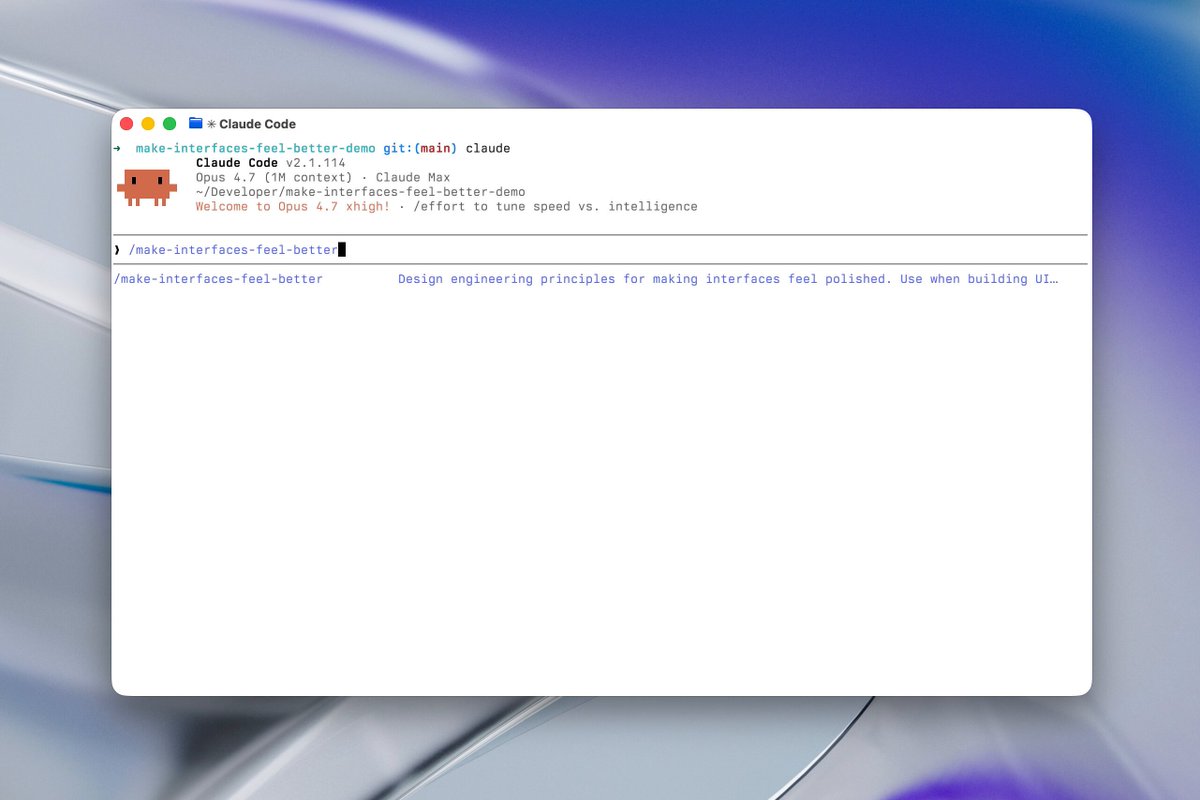
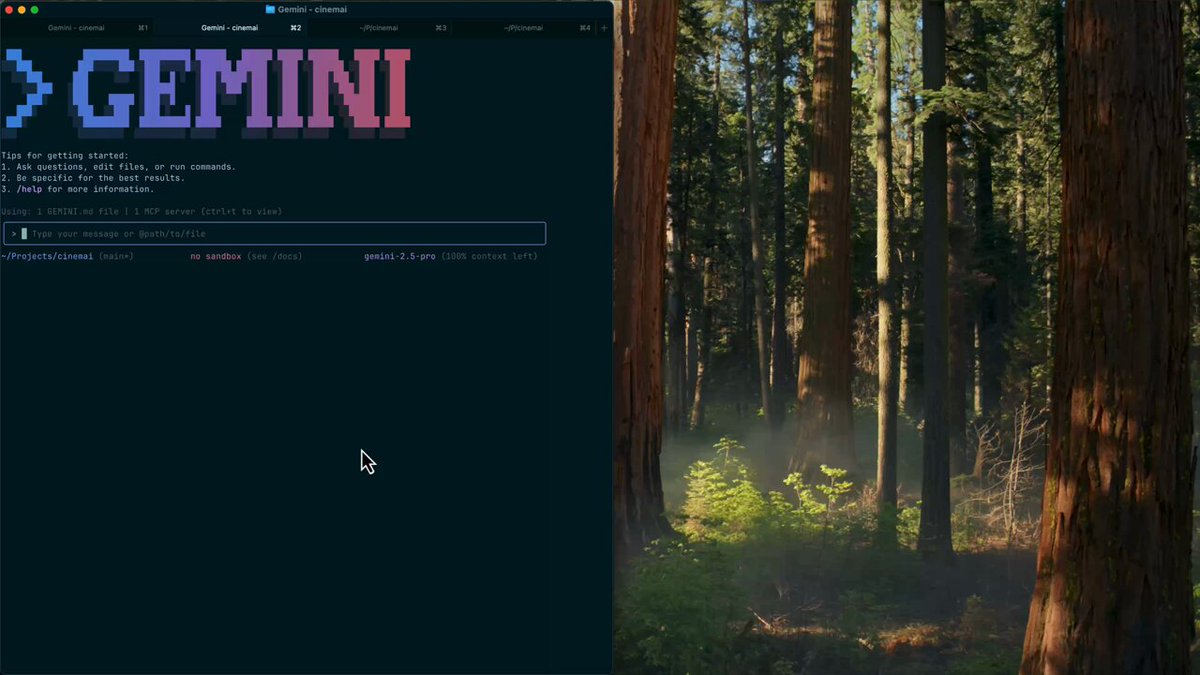
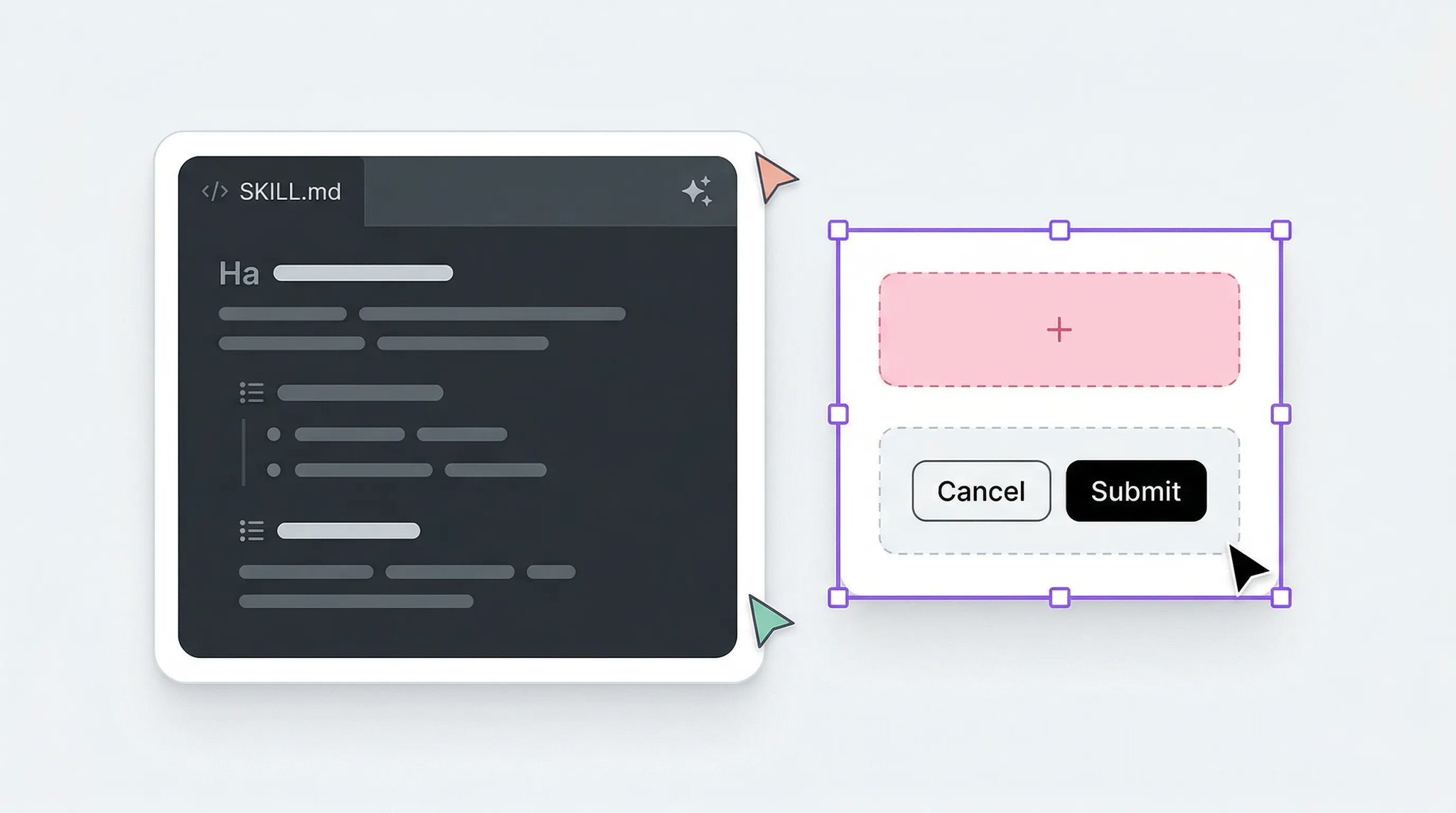
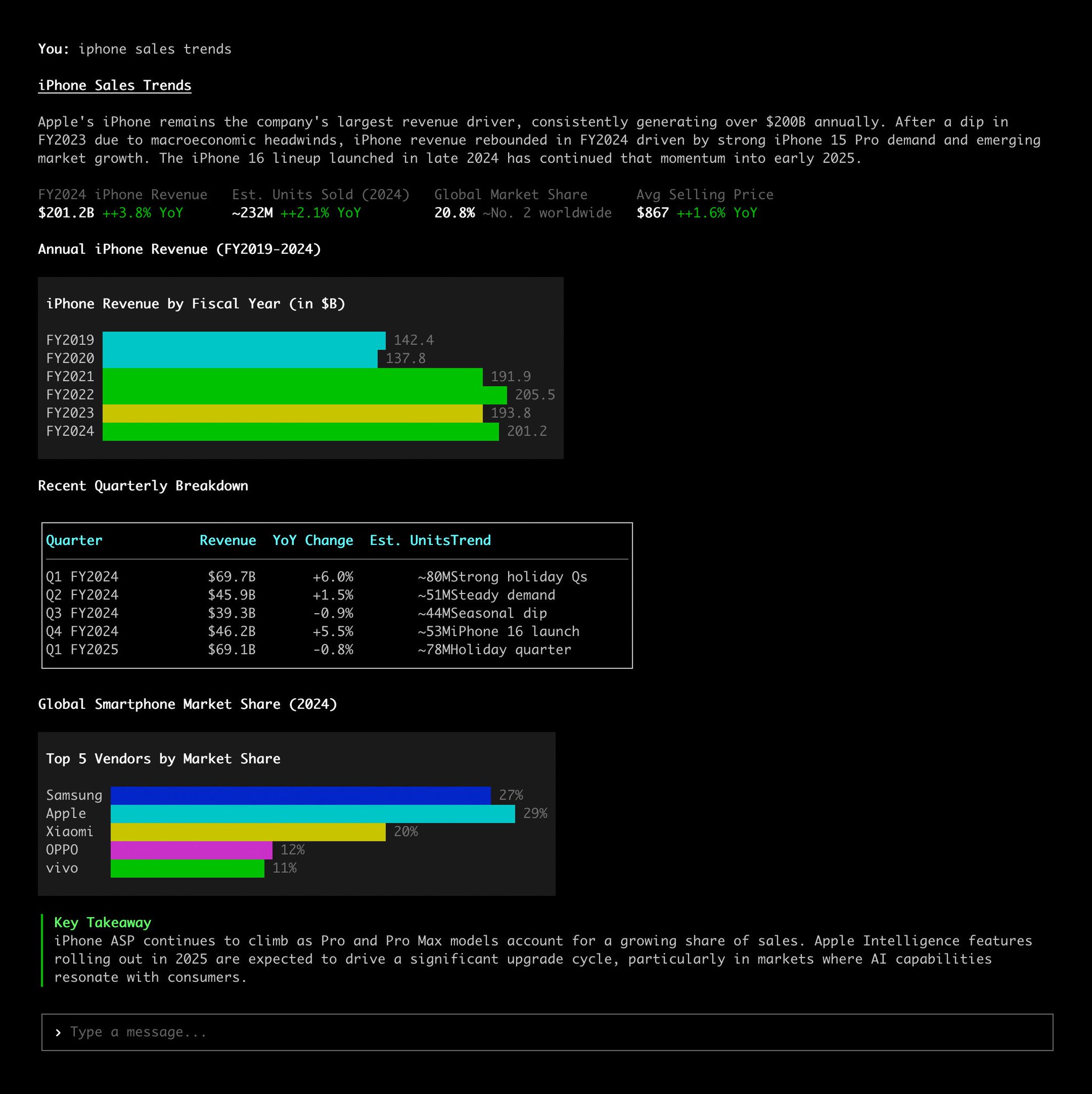
Marketing Skills for Claude Code v1.2.0 is here. 4 new skills: → /ai-seo — get your content cited by AI search engines (Google AI Overviews, ChatGPT, Perplexity, Claude) → /churn-prevention — cancel flows, save offers, dunning sequences, health scoring → /ad-creative — bulk ad creative generation across Google, Meta, LinkedIn, and X → /cold-email — cold outreach sequences that actually get replies 51 CLI tools for direct API access to your entire marketing stack. Ahrefs, Semrush, Stripe, GA4, Mailchimp, PostHog, Meta Ads, Google Ads, and 43 more. Every CLI has --dry-run built in. 29 skills. 51 CLI tools. 31 integration guides. All free and open source. npx skills add coreyhaines31/marketingskills
1.7K111171K
#claude-code
#marketing
#open-source
pinned 16 NOV 24· backfill

related

@hyperbrowserLow-key websites I quietly rely on 1) http://roadmap.sh Gives you a brutally clear learning path for roles like frontend, backend, DevOps, etc No fluff, just “learn this → then this → then this”. 2) http://playcode.io An online playground to quickly test HTML, CSS, JS without setting up anything locally Perfect for quick experiments and debugging ideas 3) http://usehooks.com A collection of reusable React hooks with real use cases Saves time and helps you avoid rewriting the same logic again and again 4) http://devhints.io Concise cheat sheets for languages, frameworks, and tools. Ideal when you forget syntax and don’t want to read a 20-minute blog 5) http://jsoncrack.com Turns messy JSON into a clean visual tree Makes understanding large APIs and configs way easier than staring at raw text 6) http://realtimecolors.com Lets you generate and preview color palettes instantly Useful when you want decent UI colors without guessing or copying blindly 7) http://regex101.com Build, test, and debug regex step by step with explanations Honestly, the fastest way to stop hating regex 8) http://bundlephobia.com Shows how big an npm package really is before you install it Helps you avoid bloating your app with “tiny” libraries 9) http://caniuse.com Tells you which CSS/JS features actually work across browsers Essential before using shiny new features in production 10) http://toolbox.googleapps.com Google’s own diagnostics tools for DNS, email, headers, and network issues Surprisingly useful for debugging real-world problems 👉 Which one of these do you already use and which one did you not know existed?@shekhu04@ctatedev@abouelatta_aliVercel Ship (so far) ▲ Vercel Services — Run full stack on Vercel — Microservices on Vercel — Private service comms ▲ eve — The framework for building agents — Durable agents with one folder — Sandboxing, approvals and evals ▲ WebSocket support — Persistent connections ▲ Vercel Functions — Dockerfile support — 5 GB packages, 30 min — Zero-config Node servers ▲ Vercel Agent in Dashboard — Autonomous investigations — Plan-based permissions — Fixes surfaced as PRs ▲ Vercel Container Registry — Container images on Vercel — OCI push, pull and tag ▲ Vercel Sandbox — Custom images — Persistent sandbox storage — 24 hour runtime + expiration ▲ AI SDK 7 + agent harnesses — Toolkit for building agents — Coding-agent harnesses ▲ Chat SDK — Multi-channel agents ▲ Access & security — Vercel Passport: OIDC access — Vercel Connect: external services — OIDC audiences + Audit Logs ▲ Enterprise apps and agents — Security posture dashboard — Vercel Functions in your cloud ▲ AI Gateway — Voice, speech and transcription — API key budgets ▲ Vercel Blob — Private blob storage — Signed URLs and OIDC auth ▲ Builds & deployments — 500 concurrent builds for Pro — Vercel Drop — Elastic builds ▲ Vercel CLI — Speed Insights + Web Analytics — Trace any request — Deployment limits removed ▲ Observability — Trace eve sessions — Trace Workflow runs ▲ Workflows — Inflight cancellation — Nitro v3 + TanStack Start ▲ SDK-free Vercel Flags — No SDK keys@ctatedevOne tip for your websites Your AI-generated sites often look cheap cause you lack good assets and typography. It's not just about the prompt ;) Here are some good inspo sites! ✦ http://ui.aceternity.com -> nice react components and micro-animations ✦ http://bentogrids.com -> really really great layout inspiration for dashboards/grids ✦ http://fontshare.com -> for premium typography ✦ http://coolshap.es and http://grainient.supply/freebies -> nice shapes and background textures ✦ http://craftwork.design/curated/websites/ -> very nice website inspiration@LexnLin@bbssppllvv@beechinour@affaan
@emilkowalski@realmcore_I took the @karpathy autoresearch loop and pointed it at markets. 25 AI agents debate macro, rates, commodities, sectors, and single stocks daily. Every recommendation scored against real outcomes. Worst agent by rolling Sharpe gets its prompt rewritten by the system. Keep or revert. Same loop, prompts are the weights, Sharpe is the loss function. Trained the agents on 18 months of market data. 378 iterations. 54 prompt modifications, 16 survived. The system learned which agents to trust using Darwinian weights — geopolitical, commodities, and the @BillAckman quality compounder rose to the top. The agents even figured out their own portfolio manager was the weakest link before we did! Deployed the trained agents. +22% in 173 days. Best pick: AVGO at $152, held for +128%. The final prompts are evolutionary products — shaped by market feedback, not human intuition. Now running live with my own capital. https://github.com/chrisworsey55/atlas-gic Part hedge fund, part research experiment :)@Chris_Worsey@vercel_dev@ctatedevThis is a Claude Code Skill, a refined security knowledge base based on 88,636 real vulnerability cases collected by WooYun from 2010 to 2016. After installing this Skill, Claude can think about vulnerability issues like a senior security expert. #AiSecurity https://github.com/tanweai/wooyun-legacy@blackorbird@jakubkrehelTechniques I'd master if building RAG systems that actually work: Bookmark this. 1. Sliding Window Chunking 2. Semantic Chunking 3. Document Hierarchies 4. Metadata Enrichment 5. Query Expansion 6. Hybrid Search 7. Reranking Models 8. Context Window Packing 9. Lost in the Middle Problem 10. Hypothetical Document Embeddings (HyDE) 11. Multi-Query Retrieval 12. Contextual Compression 13. Sentence Window Retrieval 14. Auto-Merging Retrieval 15. Cross-Encoder Rescoring 16. Temporal Context Decay 17. Negative Sampling 18. MMR (Maximal Marginal Relevance) 19. Graph-Based Retrieval 20. Recursive Retrieval 21. Citation Trackingchunks 22. Context Ablation Testing 23. Adaptive Retrieval@athleticKoder@TheAhmadOsman@chrstnerode11+11@bertwitt12+13