
Figma@figma
open on x ↗Imagine a world where you could copy/paste websites into editable Figma layers (jk you don’t have to imagine you can do this now with our Chrome extension)
Imagine a world where you could copy/paste websites into editable Figma layers (jk you don’t have to imagine you can do this now with our Chrome extension)
 ▶@dr_cintas
 ▶@hiradsab
 @chrstnerode≡ 11+11
 @UiSavior
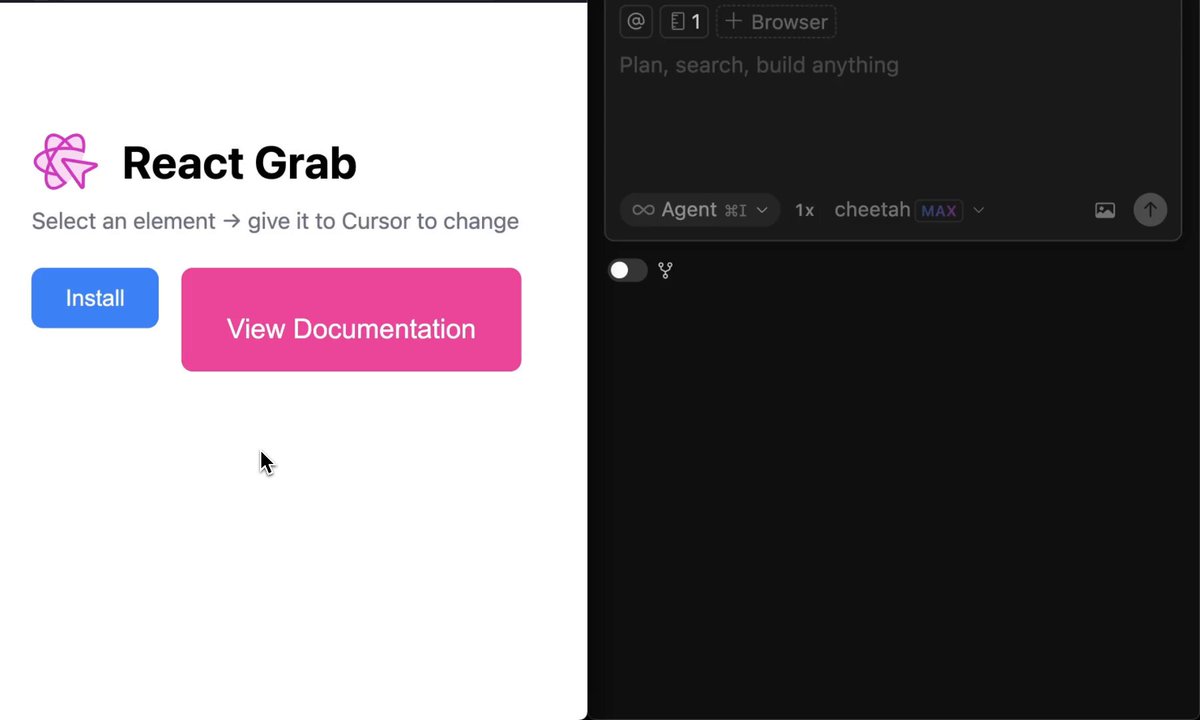 ▶@aidenybai
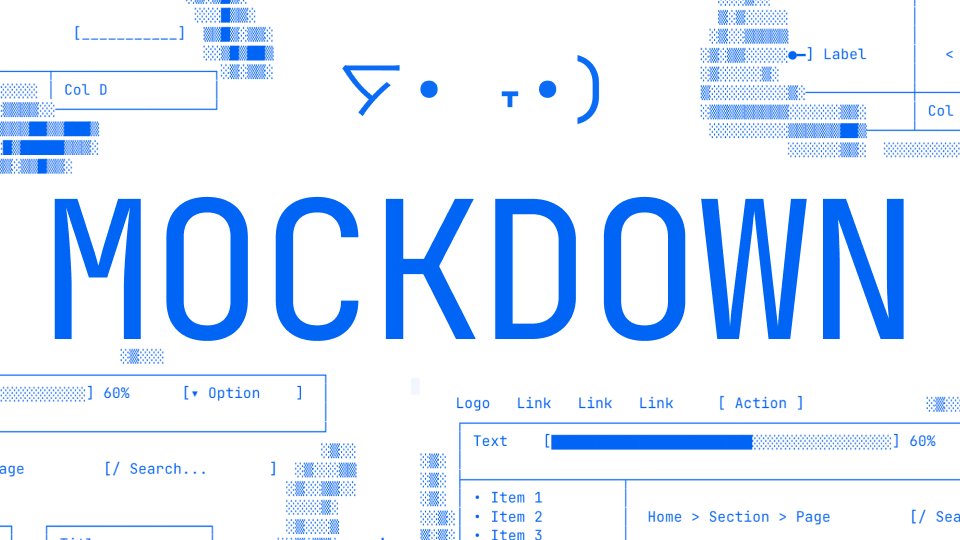 @bbssppllvv
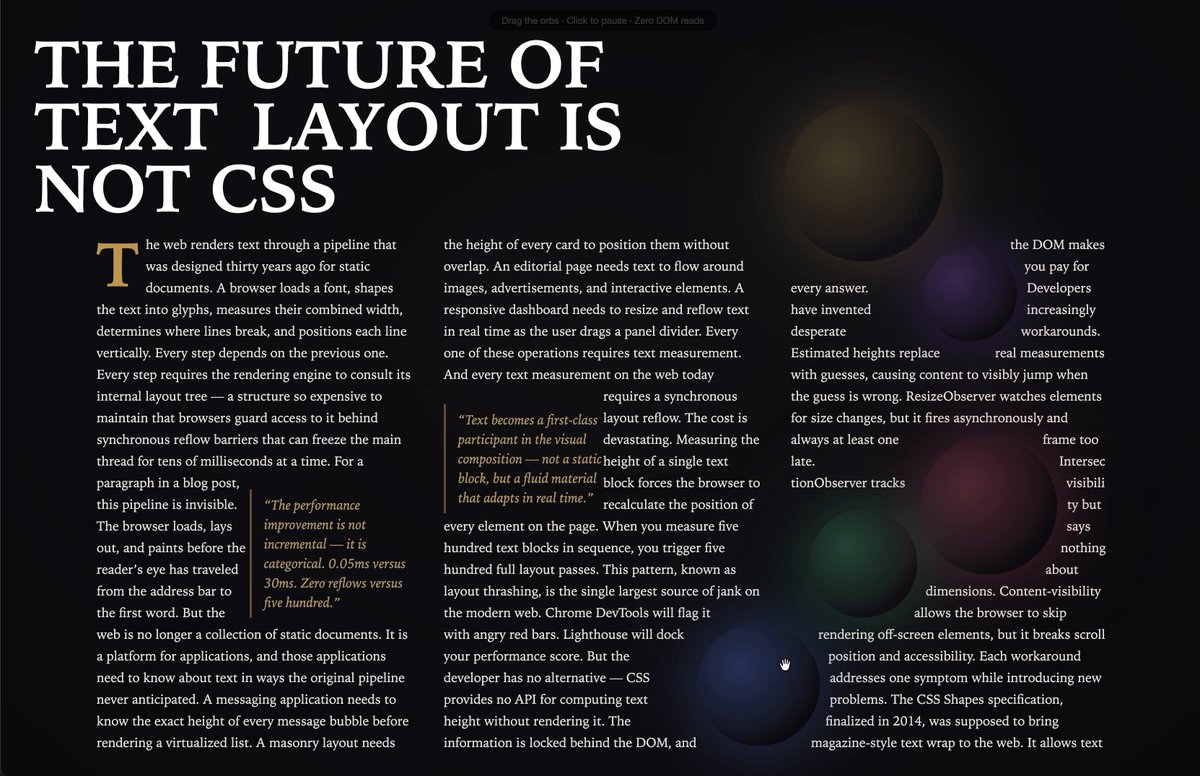 ▶@_chenglou
 @bertwitt≡ 12+13Low-key websites I quietly rely on
1) http://roadmap.sh
Gives you a brutally clear learning path for roles like frontend, backend, DevOps, etc
No fluff, just “learn this → then this → then this”.
2) http://playcode.io
An online playground to quickly test HTML, CSS, JS without setting up anything locally
Perfect for quick experiments and debugging ideas
3) http://usehooks.com
A collection of reusable React hooks with real use cases
Saves time and helps you avoid rewriting the same logic again and again
4) http://devhints.io
Concise cheat sheets for languages, frameworks, and tools. Ideal when you forget syntax and don’t want to read a 20-minute blog
5) http://jsoncrack.com
Turns messy JSON into a clean visual tree
Makes understanding large APIs and configs way easier than staring at raw text
6) http://realtimecolors.com
Lets you generate and preview color palettes instantly
Useful when you want decent UI colors without guessing or copying blindly
7) http://regex101.com
Build, test, and debug regex step by step with explanations Honestly, the fastest way to stop hating regex
8) http://bundlephobia.com
Shows how big an npm package really is before you install it
Helps you avoid bloating your app with “tiny” libraries
9) http://caniuse.com
Tells you which CSS/JS features actually work across browsers Essential before using shiny new features in production
10) http://toolbox.googleapps.com
Google’s own diagnostics tools for DNS, email, headers, and network issues
Surprisingly useful for debugging real-world problems
👉 Which one of these do you already use and which one did you not know existed?@shekhu04
@bertwitt≡ 12+13Low-key websites I quietly rely on
1) http://roadmap.sh
Gives you a brutally clear learning path for roles like frontend, backend, DevOps, etc
No fluff, just “learn this → then this → then this”.
2) http://playcode.io
An online playground to quickly test HTML, CSS, JS without setting up anything locally
Perfect for quick experiments and debugging ideas
3) http://usehooks.com
A collection of reusable React hooks with real use cases
Saves time and helps you avoid rewriting the same logic again and again
4) http://devhints.io
Concise cheat sheets for languages, frameworks, and tools. Ideal when you forget syntax and don’t want to read a 20-minute blog
5) http://jsoncrack.com
Turns messy JSON into a clean visual tree
Makes understanding large APIs and configs way easier than staring at raw text
6) http://realtimecolors.com
Lets you generate and preview color palettes instantly
Useful when you want decent UI colors without guessing or copying blindly
7) http://regex101.com
Build, test, and debug regex step by step with explanations Honestly, the fastest way to stop hating regex
8) http://bundlephobia.com
Shows how big an npm package really is before you install it
Helps you avoid bloating your app with “tiny” libraries
9) http://caniuse.com
Tells you which CSS/JS features actually work across browsers Essential before using shiny new features in production
10) http://toolbox.googleapps.com
Google’s own diagnostics tools for DNS, email, headers, and network issues
Surprisingly useful for debugging real-world problems
👉 Which one of these do you already use and which one did you not know existed?@shekhu04 ▶@DataChaz
 ▶@darylginn
 ▶@beechinour
 ▶@zkgoudan
 ▶@stephenhaney≡ 3
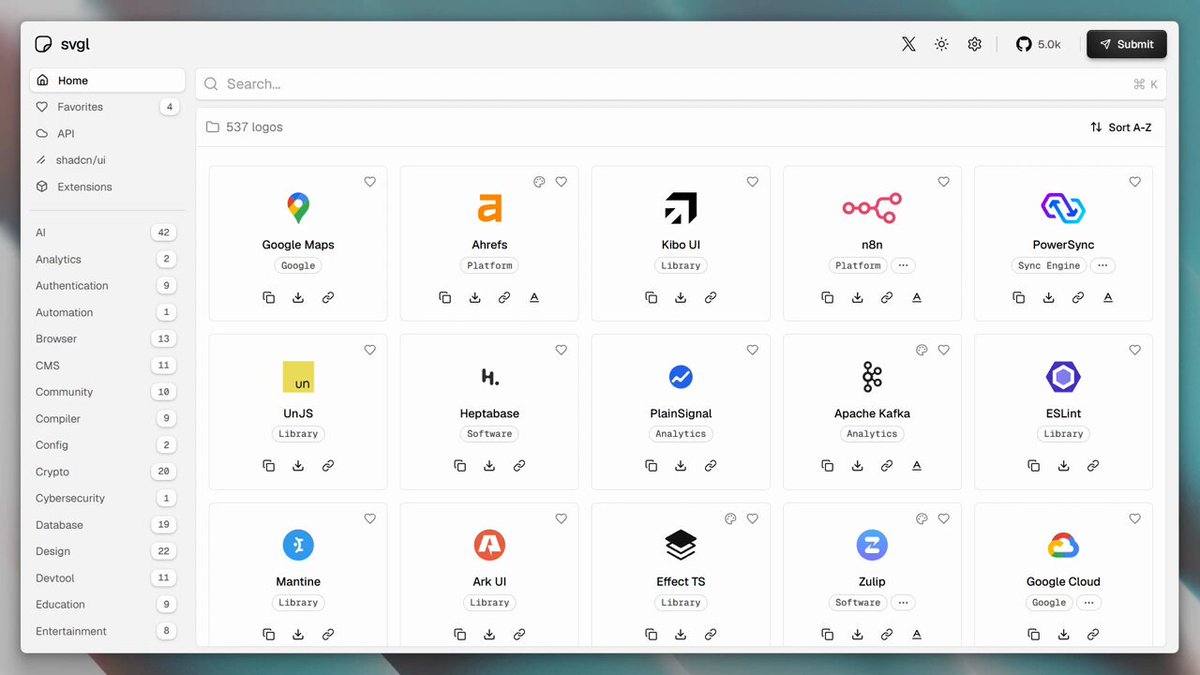
 ▶@toolfoliohttps://toolfolio.io/blog/free-library-offering-a-wide-collection-of-svg-icons@dudufolio
 @dingyi
 ▶@pheralb_
 ▶@0xGoodfuturehttps://toolfolio.io/blog/experience-effortless-voice-dictation-with-flow-the-ultimate-tool-for-faster-writing@dudufolio
 @FigsFromPlums
 @AlbiaHossain
 ▶@argofowl≡ 2One tip for your websites
Your AI-generated sites often look cheap cause you lack good assets and typography. It's not just about the prompt ;)
Here are some good inspo sites!
✦ http://ui.aceternity.com -> nice react components and micro-animations
✦ http://bentogrids.com -> really really great layout inspiration for dashboards/grids
✦ http://fontshare.com -> for premium typography
✦ http://coolshap.es and http://grainient.supply/freebies -> nice shapes and background textures
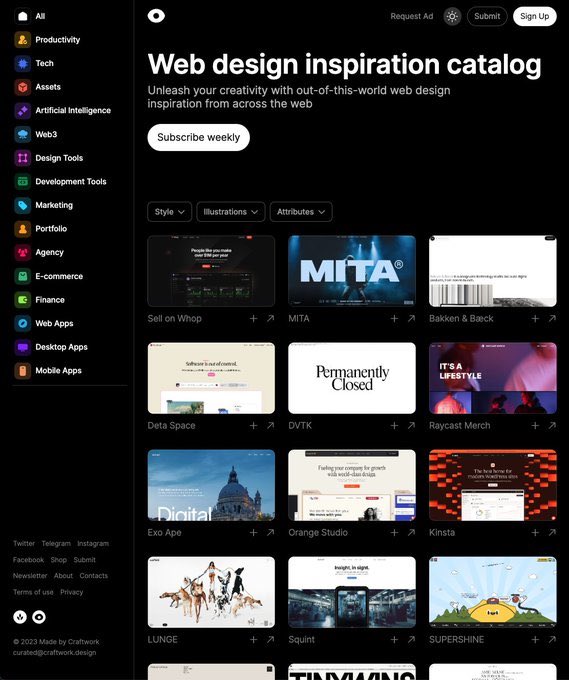
✦ http://craftwork.design/curated/websites/ -> very nice website inspiration@LexnLin
▶@argofowl≡ 2One tip for your websites
Your AI-generated sites often look cheap cause you lack good assets and typography. It's not just about the prompt ;)
Here are some good inspo sites!
✦ http://ui.aceternity.com -> nice react components and micro-animations
✦ http://bentogrids.com -> really really great layout inspiration for dashboards/grids
✦ http://fontshare.com -> for premium typography
✦ http://coolshap.es and http://grainient.supply/freebies -> nice shapes and background textures
✦ http://craftwork.design/curated/websites/ -> very nice website inspiration@LexnLin @matsugfx
 @instance_11
 ▶@PaulSolt
 ▶@tomm_ui
 ▶@vamsibatchuk
 @UiSavior