check it out -> https://nothing-to-watch.port80.ch/

prosku.a@proskuaaa
open on x ↗check it out -> nothing-to-watch.port80.ch/
check it out -> https://nothing-to-watch.port80.ch/
check it out -> nothing-to-watch.port80.ch/
 ▶@kokopakoShare your portfolio website!@damnGruz@uAghazadae @Zai_org should work perfectly with http://eve.dev / http://ai-sdk.dev@rauchg@1talons1 https://gruvbox-wallpapers.pages.dev from here, go to photography section.@mrohhellyeah
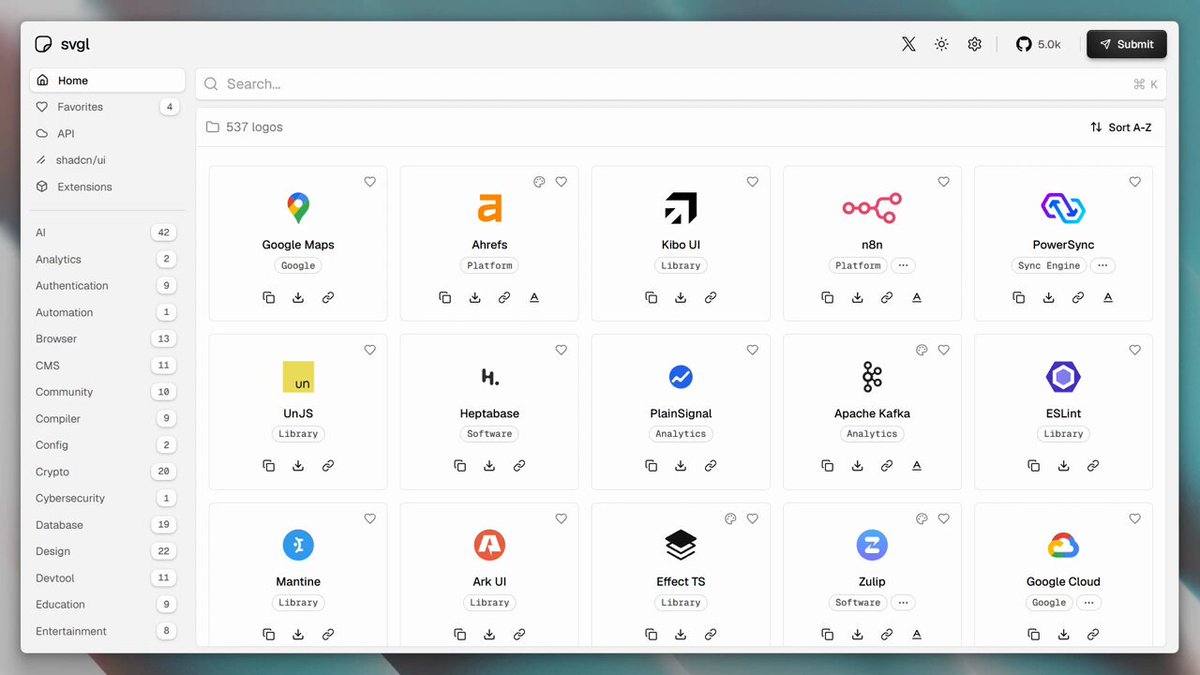 ▶@pheralb_
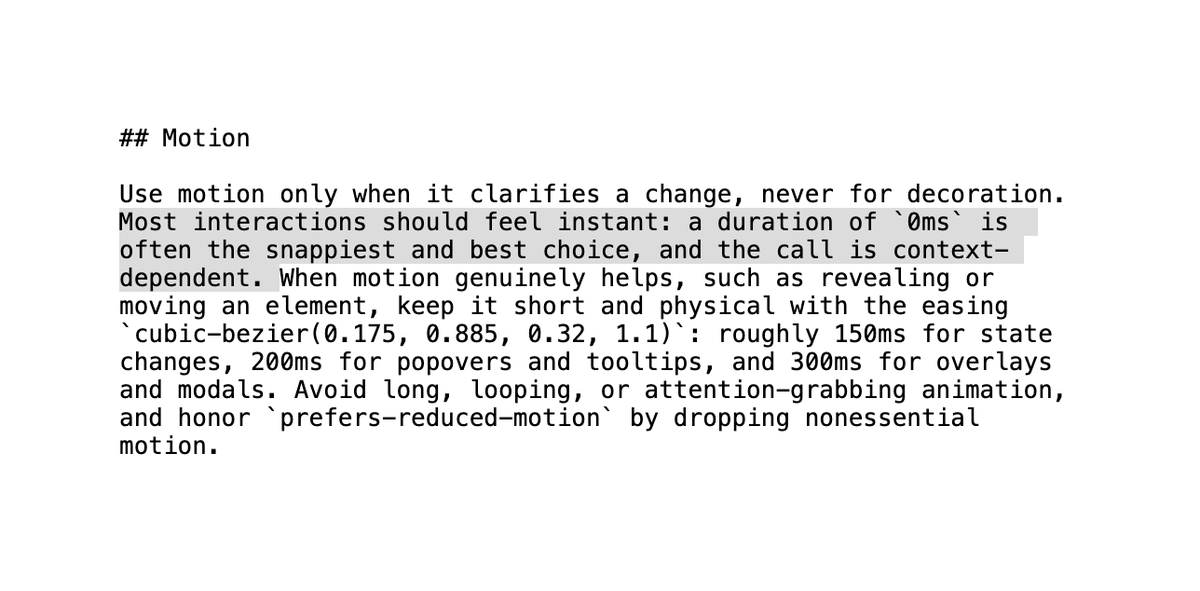 @jshguo
 @realmcore_http://x.com/i/article/2032605528149352448@SHL0MS
 @bertwitt≡ 12+13
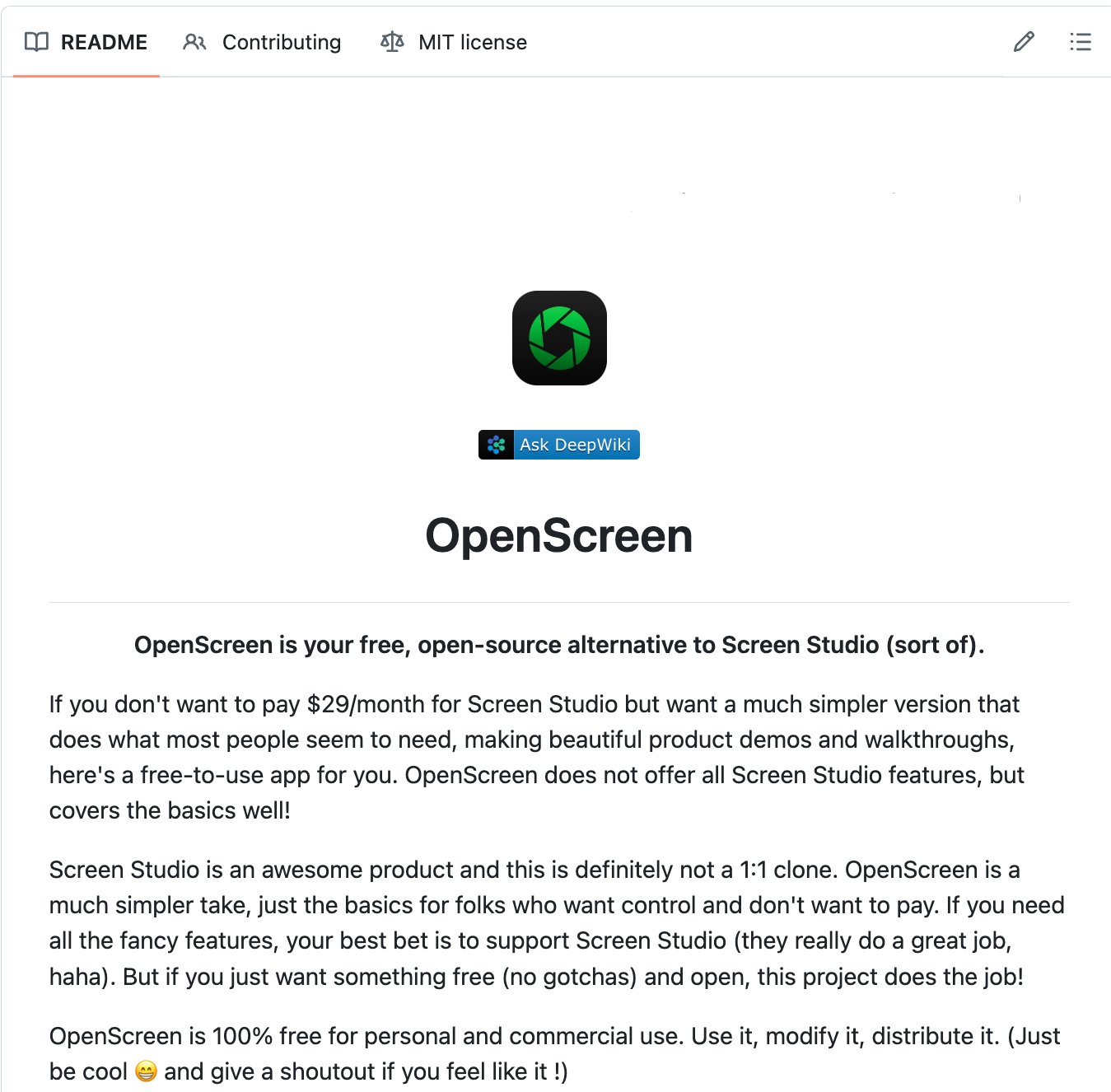 @heynavtoor
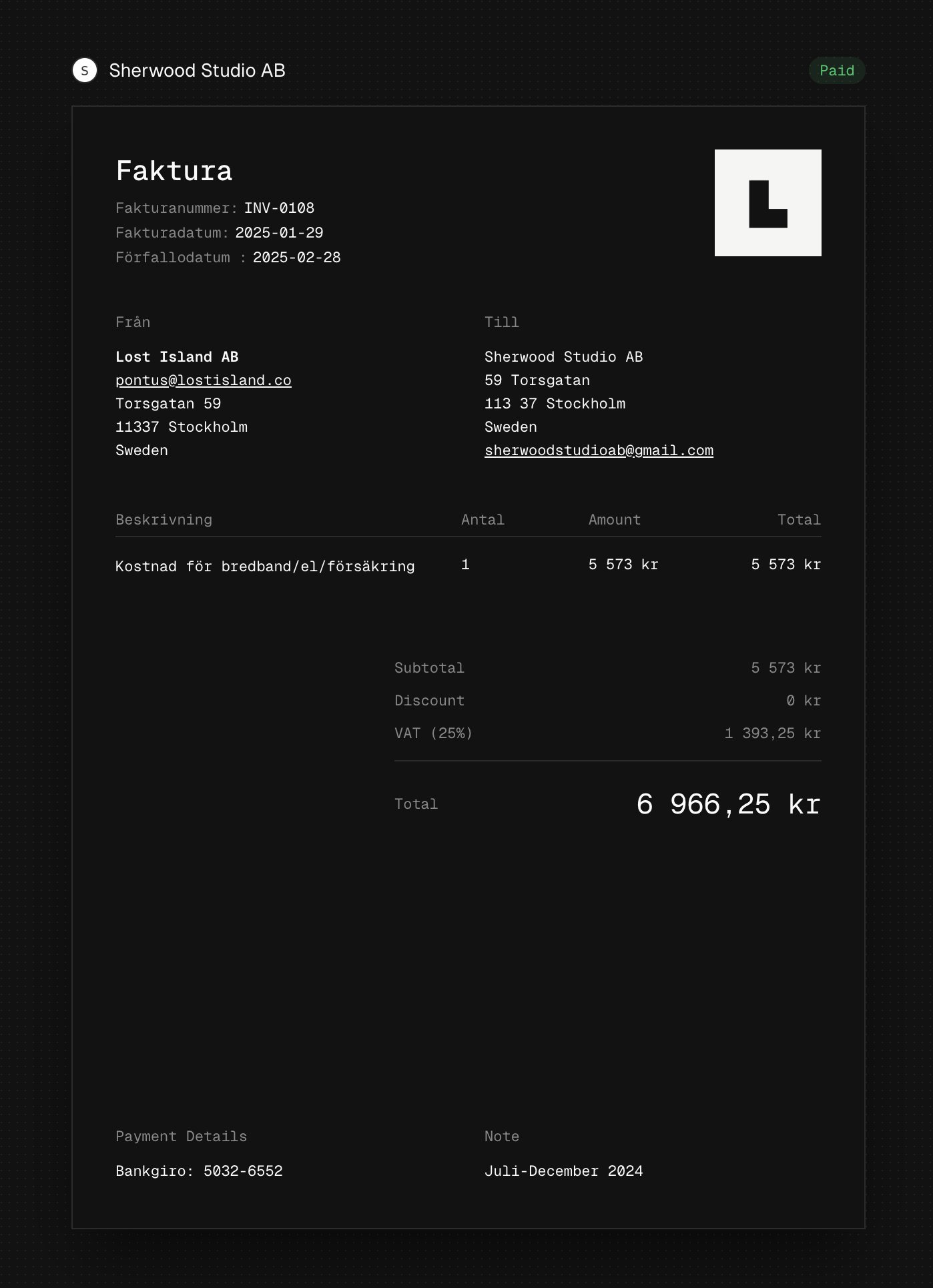 @pontusab
 @backpinelabsCheck it out:
https://ai-sdk.dev/docs/agents@nicoalbanese10@DaxterOttselDev everything you need can be found in this video!!
i went outside the box a little and figured out how to integrate it directly with my website so the stats stay updated :D
https://www.youtube.com/watch?v=gYv7D83u7yQ@sylviiu
@backpinelabsCheck it out:
https://ai-sdk.dev/docs/agents@nicoalbanese10@DaxterOttselDev everything you need can be found in this video!!
i went outside the box a little and figured out how to integrate it directly with my website so the stats stay updated :D
https://www.youtube.com/watch?v=gYv7D83u7yQ@sylviiu ▶@Param_eth
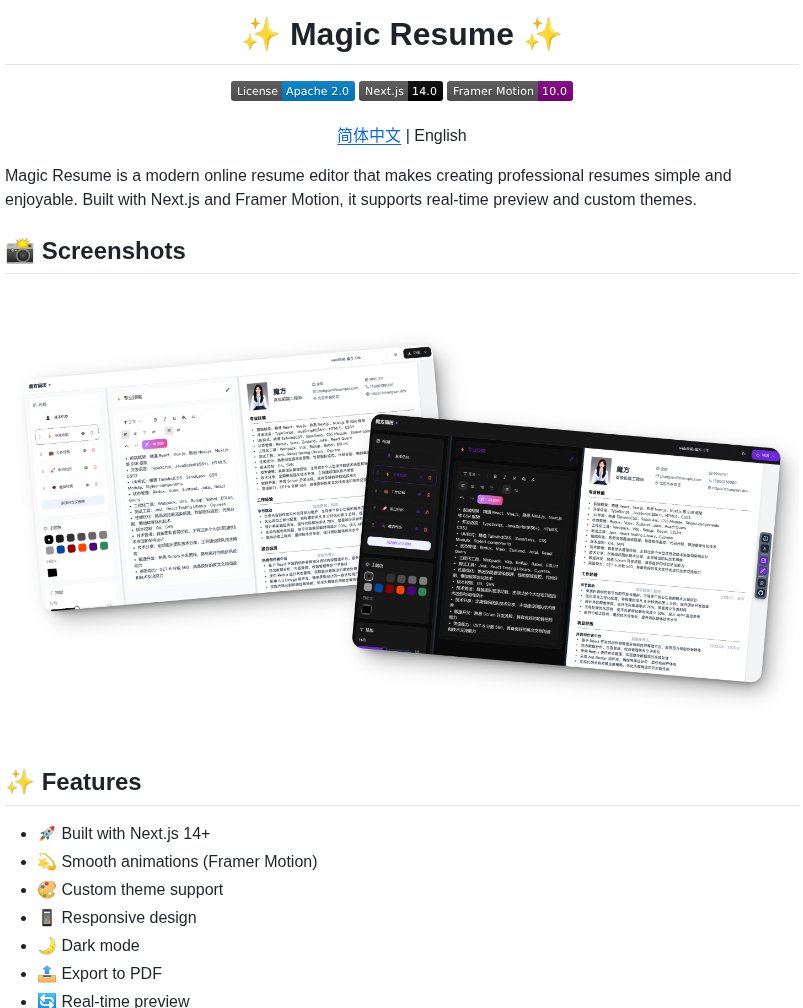 @tom_doerrMight have some bugs, working on it. dm me if you find anything. mobile is okay rn but better mobile version soon. more effects + better ascii/dither algorithms coming over the next few days/weeks https://grainrad.com@almmaasoglu@vixhal have you tried qutebrowser?? It has vim like controls, and it's super lightweight.@surajpathakcs
 ▶@beechinour
 ▶@argofowl≡ 2
 ▶@abouelatta_ali
 @bbssppllvvLow-key websites I quietly rely on
1) http://roadmap.sh
Gives you a brutally clear learning path for roles like frontend, backend, DevOps, etc
No fluff, just “learn this → then this → then this”.
2) http://playcode.io
An online playground to quickly test HTML, CSS, JS without setting up anything locally
Perfect for quick experiments and debugging ideas
3) http://usehooks.com
A collection of reusable React hooks with real use cases
Saves time and helps you avoid rewriting the same logic again and again
4) http://devhints.io
Concise cheat sheets for languages, frameworks, and tools. Ideal when you forget syntax and don’t want to read a 20-minute blog
5) http://jsoncrack.com
Turns messy JSON into a clean visual tree
Makes understanding large APIs and configs way easier than staring at raw text
6) http://realtimecolors.com
Lets you generate and preview color palettes instantly
Useful when you want decent UI colors without guessing or copying blindly
7) http://regex101.com
Build, test, and debug regex step by step with explanations Honestly, the fastest way to stop hating regex
8) http://bundlephobia.com
Shows how big an npm package really is before you install it
Helps you avoid bloating your app with “tiny” libraries
9) http://caniuse.com
Tells you which CSS/JS features actually work across browsers Essential before using shiny new features in production
10) http://toolbox.googleapps.com
Google’s own diagnostics tools for DNS, email, headers, and network issues
Surprisingly useful for debugging real-world problems
👉 Which one of these do you already use and which one did you not know existed?@shekhu04
@bbssppllvvLow-key websites I quietly rely on
1) http://roadmap.sh
Gives you a brutally clear learning path for roles like frontend, backend, DevOps, etc
No fluff, just “learn this → then this → then this”.
2) http://playcode.io
An online playground to quickly test HTML, CSS, JS without setting up anything locally
Perfect for quick experiments and debugging ideas
3) http://usehooks.com
A collection of reusable React hooks with real use cases
Saves time and helps you avoid rewriting the same logic again and again
4) http://devhints.io
Concise cheat sheets for languages, frameworks, and tools. Ideal when you forget syntax and don’t want to read a 20-minute blog
5) http://jsoncrack.com
Turns messy JSON into a clean visual tree
Makes understanding large APIs and configs way easier than staring at raw text
6) http://realtimecolors.com
Lets you generate and preview color palettes instantly
Useful when you want decent UI colors without guessing or copying blindly
7) http://regex101.com
Build, test, and debug regex step by step with explanations Honestly, the fastest way to stop hating regex
8) http://bundlephobia.com
Shows how big an npm package really is before you install it
Helps you avoid bloating your app with “tiny” libraries
9) http://caniuse.com
Tells you which CSS/JS features actually work across browsers Essential before using shiny new features in production
10) http://toolbox.googleapps.com
Google’s own diagnostics tools for DNS, email, headers, and network issues
Surprisingly useful for debugging real-world problems
👉 Which one of these do you already use and which one did you not know existed?@shekhu04 ▶@floguo
 ▶@browser_usebig thanks to all the supporters
of my wiggle bones library
https://wiggle.three.tools/
it is being put to great use@KMkota0Where do you get your design inspo from?
Is there a site like awwwards that isn't just HUGE PHOTO + text + scroll jacking?
Like sites that have to do things?@wesbos
▶@browser_usebig thanks to all the supporters
of my wiggle bones library
https://wiggle.three.tools/
it is being put to great use@KMkota0Where do you get your design inspo from?
Is there a site like awwwards that isn't just HUGE PHOTO + text + scroll jacking?
Like sites that have to do things?@wesbos ▶@HamzaInstantly